> ## Documentation Index
> Fetch the complete documentation index at: https://support.lumafield.com/llms.txt
> Use this file to discover all available pages before exploring further.
# Bookmark Tool
> Save views and communicate findings from scan data
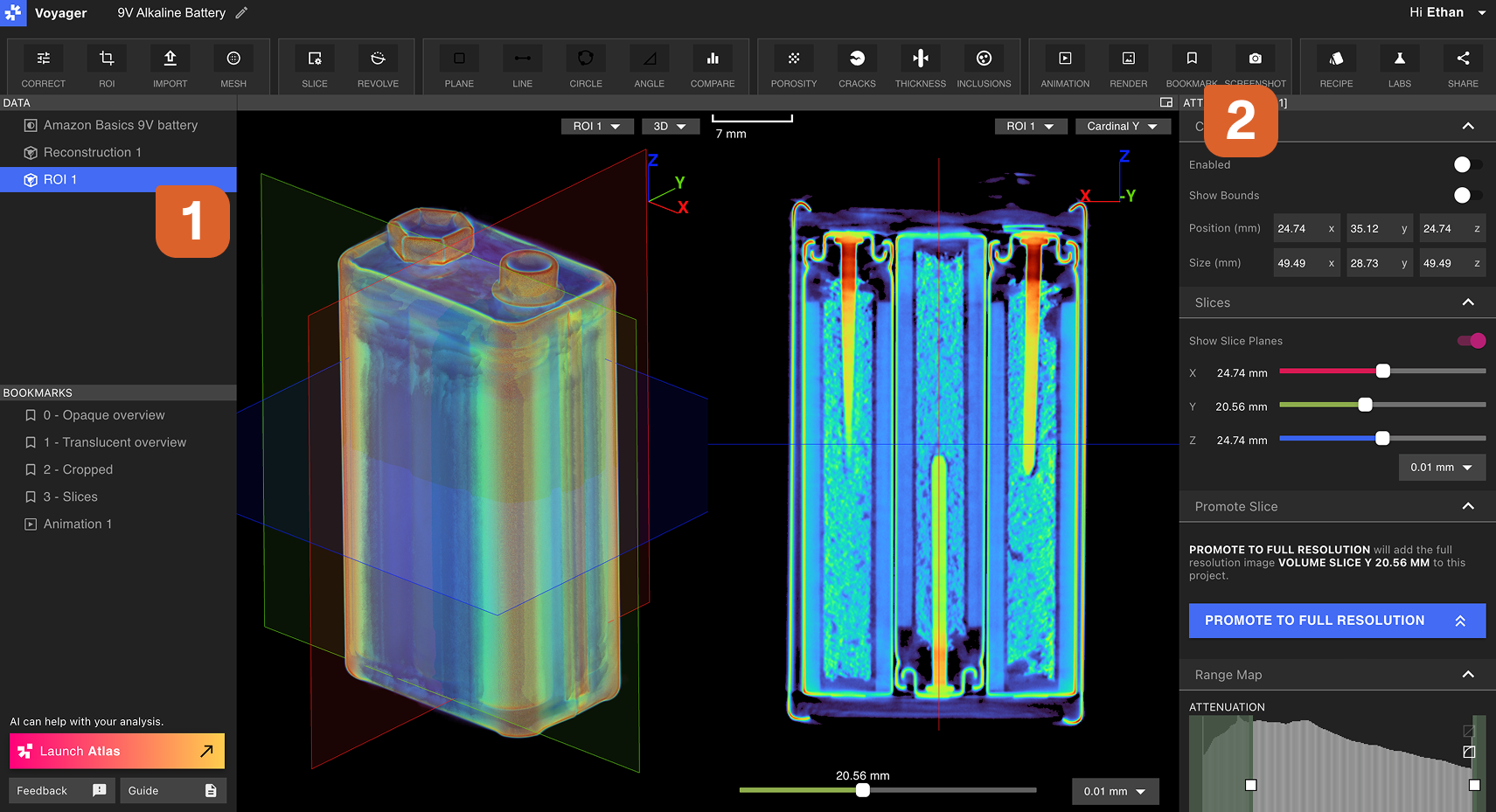
Mark up a Project with critical views that reveal insights into the Project's data. A Bookmark locks in all of the Viewport's current visualization settings and allows quick access of the Bookmarked view for all collaborators of a Project. Make a Voyager Project into a report for external sharing or use within a team, using descriptive Bookmark names and comments.
In the above example, the two Bookmarks are established to reveal an overview and a sliced view of the Nest scan. Viewport layout, attenuation graph settings, and color range are modified between the two Bookmarks.
Authoring a Bookmark
A Bookmark can be created on any type of Data Object. Choose a Data Object in the Data Panel, then set all visualization settings as desired for the Bookmark.
Select the Bookmark Tool from the Toolbar. The Bookmark will be added to the Bookmarks Panel on the left side of Voyager.
Modifying a Bookmark
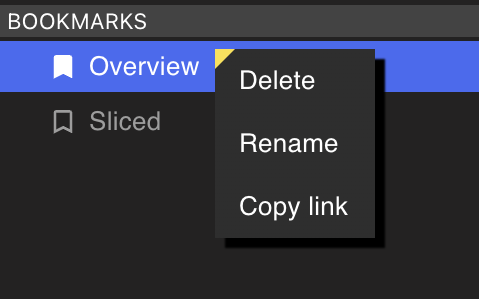
Right-select a Bookmark from the Bookmarks Panel to Rename, delete, or copy a link to a Bookmark. A collaborator must have Project access to view a shared Bookmark link.
 Any user with Comment access on a Project can leave comments on a Bookmark. Comments populate live to enable real-time collaboration on a given issue.