> ## Documentation Index
> Fetch the complete documentation index at: https://support.lumafield.com/llms.txt
> Use this file to discover all available pages before exploring further.
# Voyager Modes
> Analysis, Dimensioning, and Reporting modes in Voyager 2.0
With the release of [Voyager 2.0](/platform/voyager-release-notes), the Project Editor toolbar is organized into three task-focused **Modes**. Each Mode surfaces a curated set of Tools so the right Tool is always one click away — no scrolling through a flat toolbar to find what you need.
 The three Modes are:
* **Analysis Mode** — every existing Voyager Tool for visualization, integrity, and comparison
* **Dimensioning Mode** — the new [3D Auto-Dimensioning](/voyager/voyager-auto-dimensioning) suite for GD\&T evaluation
* **Reporting Mode** — Bookmarks, Renders, and Animations for sharing critical views
Switch Modes using the tabs on the left-hand side of Voyager. Mode changes do not modify your data — they only change which Tools are available.
The three Modes are:
* **Analysis Mode** — every existing Voyager Tool for visualization, integrity, and comparison
* **Dimensioning Mode** — the new [3D Auto-Dimensioning](/voyager/voyager-auto-dimensioning) suite for GD\&T evaluation
* **Reporting Mode** — Bookmarks, Renders, and Animations for sharing critical views
Switch Modes using the tabs on the left-hand side of Voyager. Mode changes do not modify your data — they only change which Tools are available.
Analysis Mode
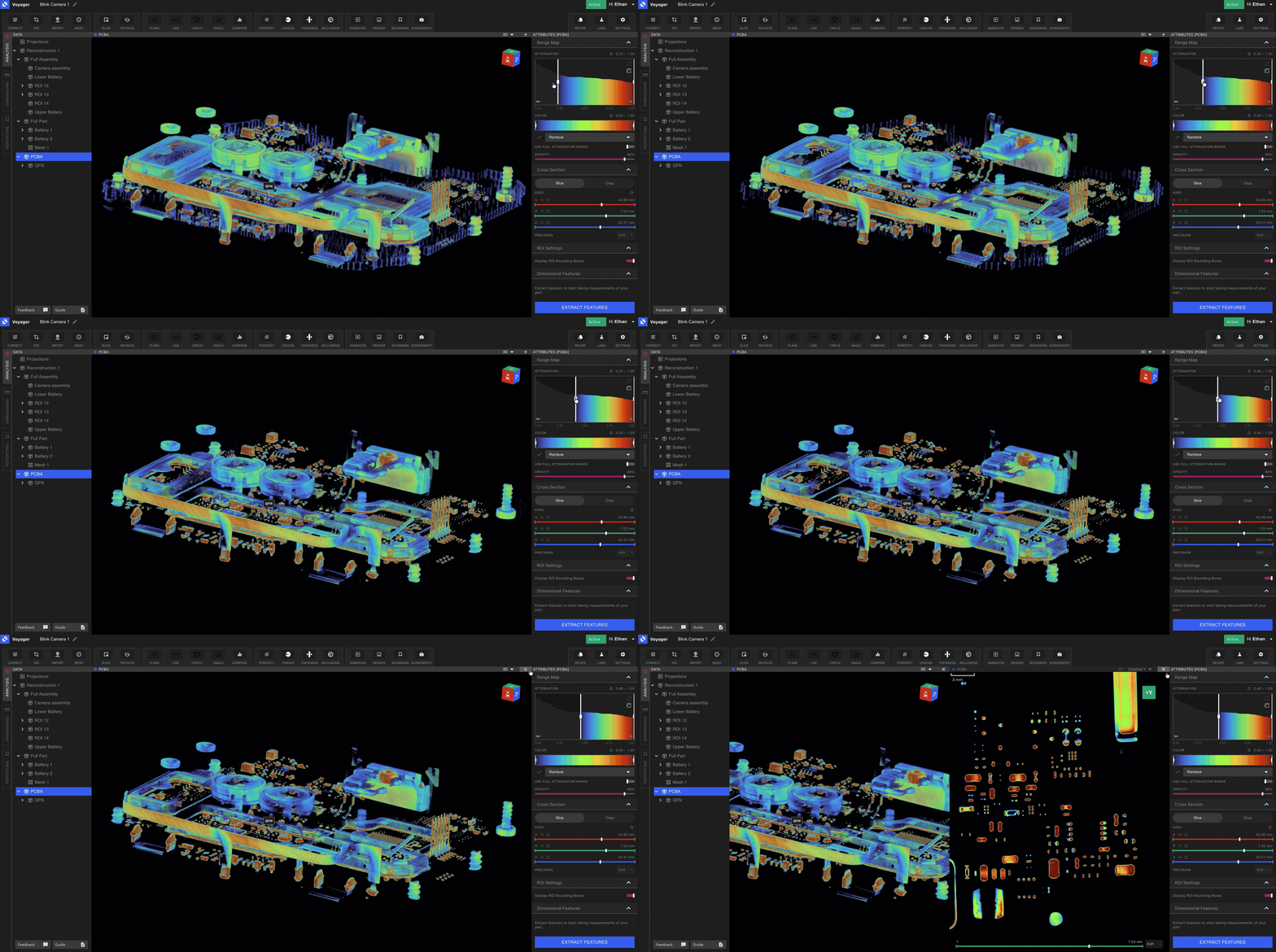
Analysis Mode contains every Voyager Tool you already know. Use it for the day-to-day work of inspecting volumes, isolating features, and running integrity workflows. Tools available in Analysis Mode include:
* Data creation: [Region of Interest](/voyager/voyager-region-of-interest), [Renormalization](/voyager/voyager-renormalization), [Inspection Planes](/voyager/voyager-inspection-planes), [Measurement Tools](/voyager/voyager-measurement-tools), [Custom Slice](/voyager/voyager-custom-slice), [Revolving Slice](/voyager/voyager-revolving-slice), and the [Import Tool](/voyager/voyager-import).
* Mesh and surface: [Mesh Tool](/voyager/voyager-mesh-tool) and [Compare Tool](/voyager/voyager-cad-comparison).
* Integrity Analysis: [Porosity](/voyager/voyager-porosity-analysis), [Inclusion](/voyager/voyager-inclusion-analysis), [Crack Detection](/voyager/voyager-crack-detection), and [Wall Thickness](/voyager/voyager-wall-thickness-analysis).
Dimensioning Mode
Dimensioning Mode is the home of [3D Auto-Dimensioning](/voyager/voyager-auto-dimensioning), Voyager's new suite of precision GD\&T Tools. Entering Dimensioning Mode lets you kick off Automatic Feature Extraction on the parent reconstruction, returning planes, cylinders, and a full-part mesh that every child ROI inherits and the GD\&T Tools operate on.
The Tools available in Dimensioning Mode are:
* [Direct Dimensions](/voyager/voyager-direct-dimensions) — Distance, Angle, Diameter
* [Flatness](/voyager/voyager-flatness)
* [Datum Definition](/voyager/voyager-datums)
* [Profile](/voyager/voyager-profile) (Full Part and Per Feature)
 These Tools are the foundation of an ever-growing GD\&T suite, designed initially to comply with [**ASME Y 14.5 - 2009**](https://www.asme.org/codes-standards/find-codes-standards/y14-5-dimensioning-tolerancing/2009). Our mathematical implementation is based on the [**ASME Y 14.5.1 - 2019**](https://www.asme.org/codes-standards/find-codes-standards/y14-5-1-mathematical-definition-dimensioning-tolerancing-principles) mathematical definitions. See the [3D Auto-Dimensioning overview](/voyager/voyager-auto-dimensioning) for setup, the role of an oriented ROI, and the standards roadmap.
Reporting Mode
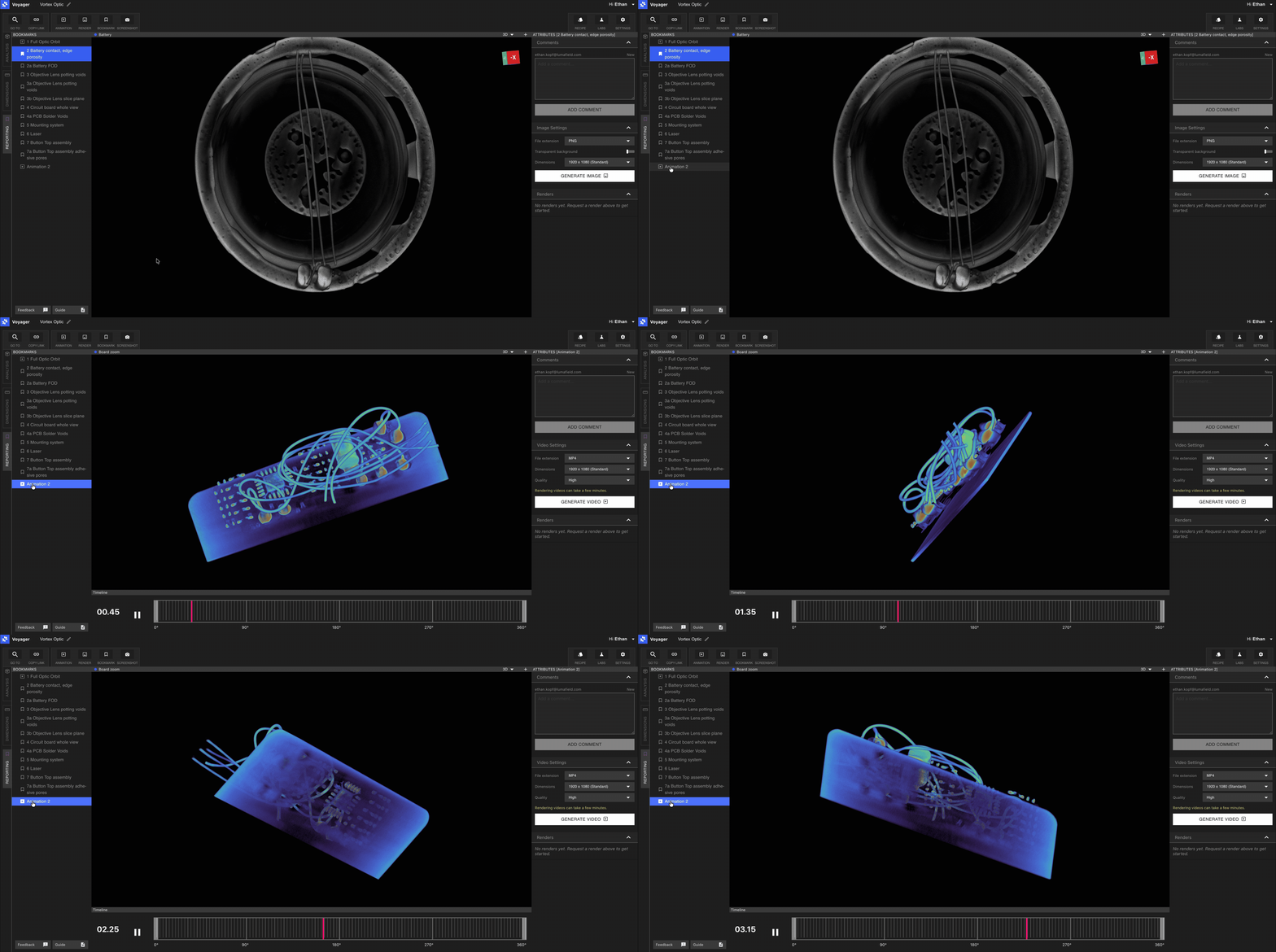
Reporting Mode is the foundation of both reporting and sharing in Voyager. Each Bookmark highlights a view or a portion of your part that you want to share with members of your team — whether for a report, a review, or an external stakeholder.
Tools available in Reporting Mode:
* [Bookmarks](/voyager/voyager-bookmarks) — capture critical views with comment threading
* [Render](/voyager/voyager-render-tool) — high-quality images for documentation and presentations
* [Animation](/voyager/voyager-animation-tool) — orbits and slice scrubs as GIF, MP4, or WEBM
Pair Reporting Mode with [Recipes](/recipes/recipes-intro) to automate repetitive Bookmark, Render, and Animation creation across a fleet of scans.
Switching modes
Use the Mode tabs on the left-hand side of Voyager to move between Analysis, Dimensioning, and Reporting. Switching Modes preserves your selected Data Object and Viewport state — only the Tool set changes.
What's new in Voyager 2.0
Modes were introduced in **Voyager 2.0** on May 8, 2026. See the full changelog in the [Voyager Release Notes](/platform/voyager-release-notes) and a feature recap in the [Monthly Highlights](/platform/monthly-highlights).