> ## Documentation Index
> Fetch the complete documentation index at: https://support.lumafield.com/llms.txt
> Use this file to discover all available pages before exploring further.
# Labs
> 探索 Voyager Labs 中的实验功能和高级工具,以获得尖端的分析功能
概述
Voyager Labs 提供对持续开发中的实验功能和高级分析工具的访问。这些功能为想要探索 CT 扫描分析最新创新的专业用例和高级用户提供了尖端功能。
注意:截至 2026 年 3 月,Labs 支持 Cloud 和 On-Prem 环境。GovCloud 仍不受支持。如果您在工具栏中没有看到 Labs,请联系您的管理员或 [support@lumafield.com](mailto:support@lumafield.com)。
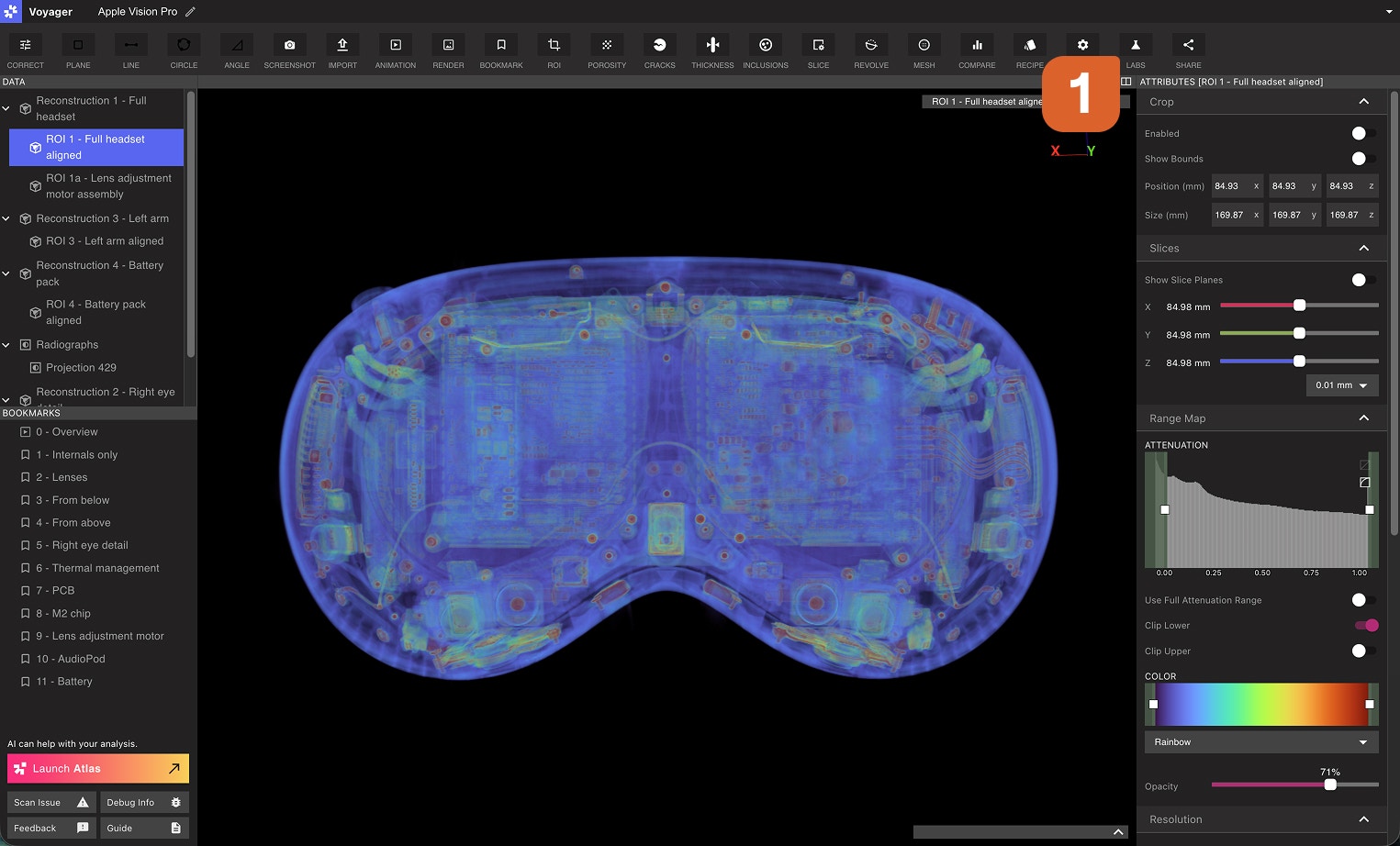
Voyager Labs 是什么?
Voyager Labs 是一个工具,包含:
* **实验性功能**正在积极开发中
* **针对专业应用的高级分析工具**
* **测试版功能**用于早期测试和反馈
* **研究级能力**用于学术和工业研究
 在单个 Projects 上使用 **Labs**,**研究**用于跨多个 Projects 的实验功能,并查找不在任何 Projects 上运行的**其他**工具。
使用 Labs
通过从工具栏中选择 Labs 工具来查找 Labs 应用程序。您的组织可用的所有应用程序都将显示在 Labs 工具中。
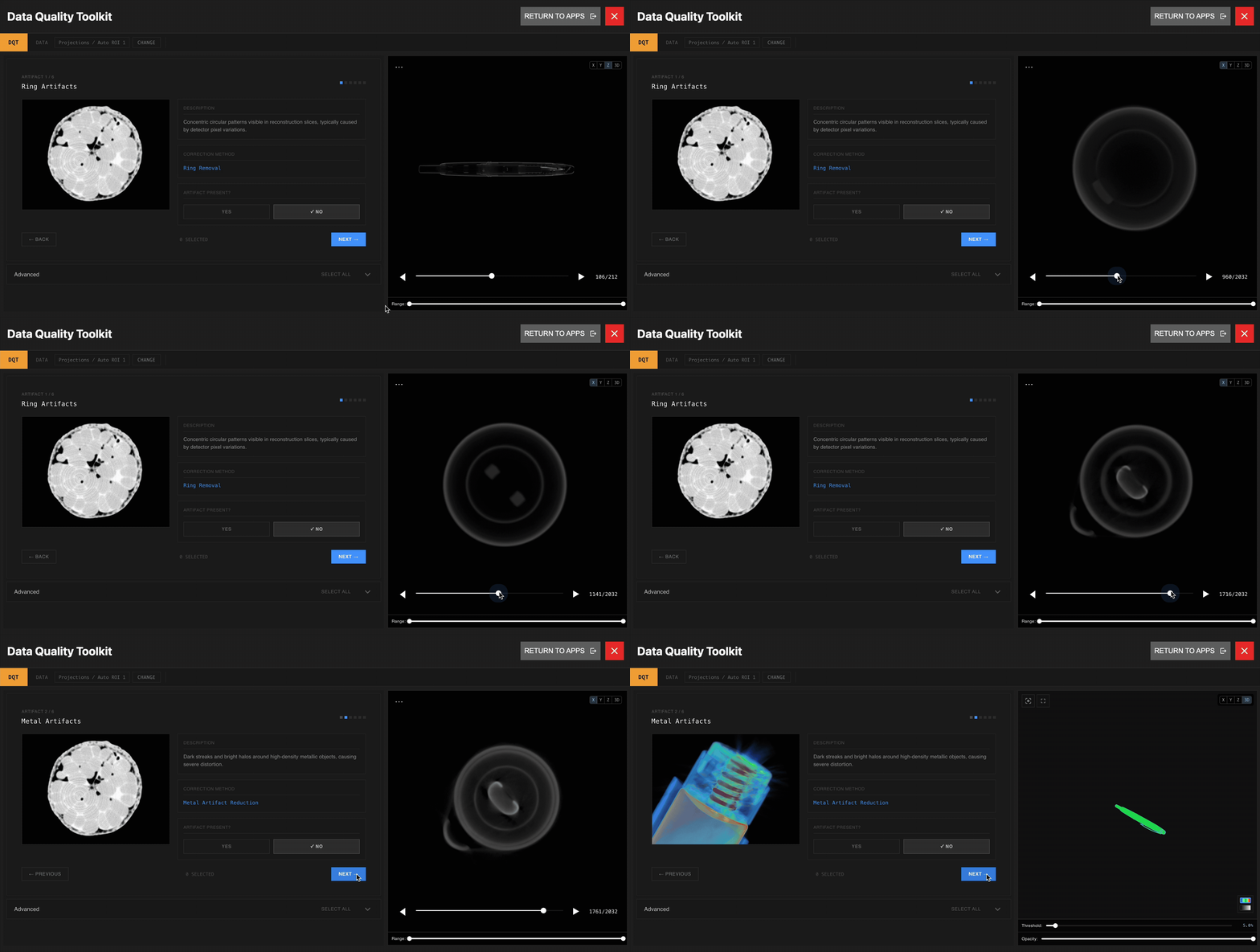
 [Data Quality Toolkit](/zh-Hans/voyager/voyager-labs-data-quality-toolkit)面向所有付费Voyager用户开放。该工具套件提供了用于评估、验证和优化放射线数据的高级功能,以确保您的工作流程达到最高标准的准确性和可靠性。
ROI Copy & Paste
[ROI Copy & Paste](/zh-Hans/voyager/voyager-labs-copy-paste) 工具适用于所有 Voyager 付费用户。该工具允许用户在同一项目或不同项目的重建之间复制和粘贴 ROI。该工具对于跨项目执行类似分析的客户非常有用。该工具将不断更新。
2D Dimensioning
[2D Dimensioning](/zh-Hans/voyager/voyager-labs-2d-dimensioning)应用程序面向所有付费 Voyager 用户开放。该工具支持在 3D 重建切片上进行特征查找、参考构建和尺寸测量,并提供导出和发布带注释结果的选项。
访问更多 Labs
Labs 功能在有限的基础上可用,因为我们根据实际使用情况和反馈改进和完善每个工具。如果您有兴趣尽早访问其他 Labs 应用程序,我们很乐意听取您的意见。
**联系**:请联系您的客户成功经理或发送电子邮件至 [customersuccess@lumafield.com](mailto:customersuccess@lumafield.com),详细了解资格、实施时间表以及 Labs 如何使您的特定用例受益。我们致力于与早期采用者密切合作,塑造我们平台的未来。