> ## Documentation Index
> Fetch the complete documentation index at: https://support.lumafield.com/llms.txt
> Use this file to discover all available pages before exploring further.

# 测量工具

> 在检查平面上进行直线、圆和角度测量

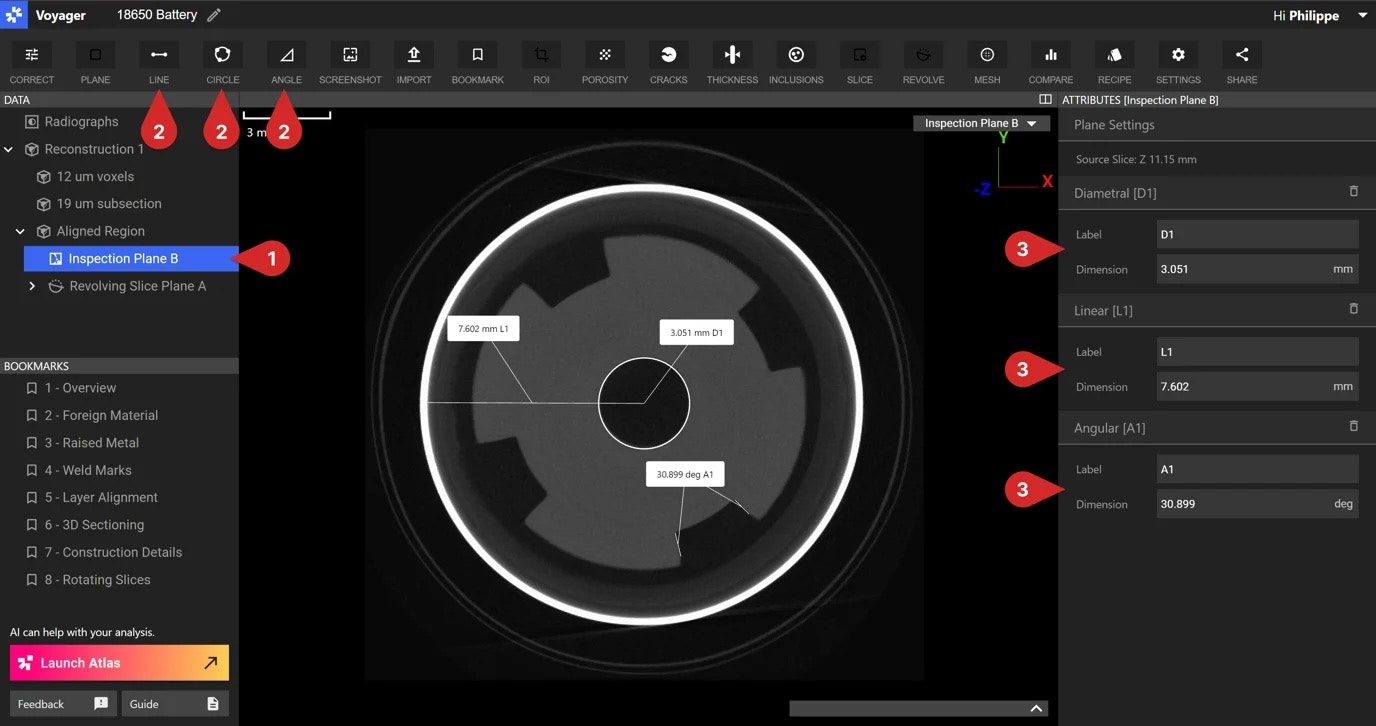
使用直线、圆和角度工具对检查平面进行 2D 测量。当在数据面板中选择 [Inspection Plane](/zh-Hans/voyager/voyager-inspection-planes) 数据对象时，这些测量工具可用。

<img src="https://mintcdn.com/lumafield/rGQMCx2Q_AFPZMFP/images/inspection-plane-3.jpg?fit=max&auto=format&n=rGQMCx2Q_AFPZMFP&q=85&s=23171f908bcbf0f00ab612c471edbd41" alt="检查平面" width="1376" height="726" data-path="images/inspection-plane-3.jpg" />

<h3 id="circle-tool">
  圆形工具
</h3>

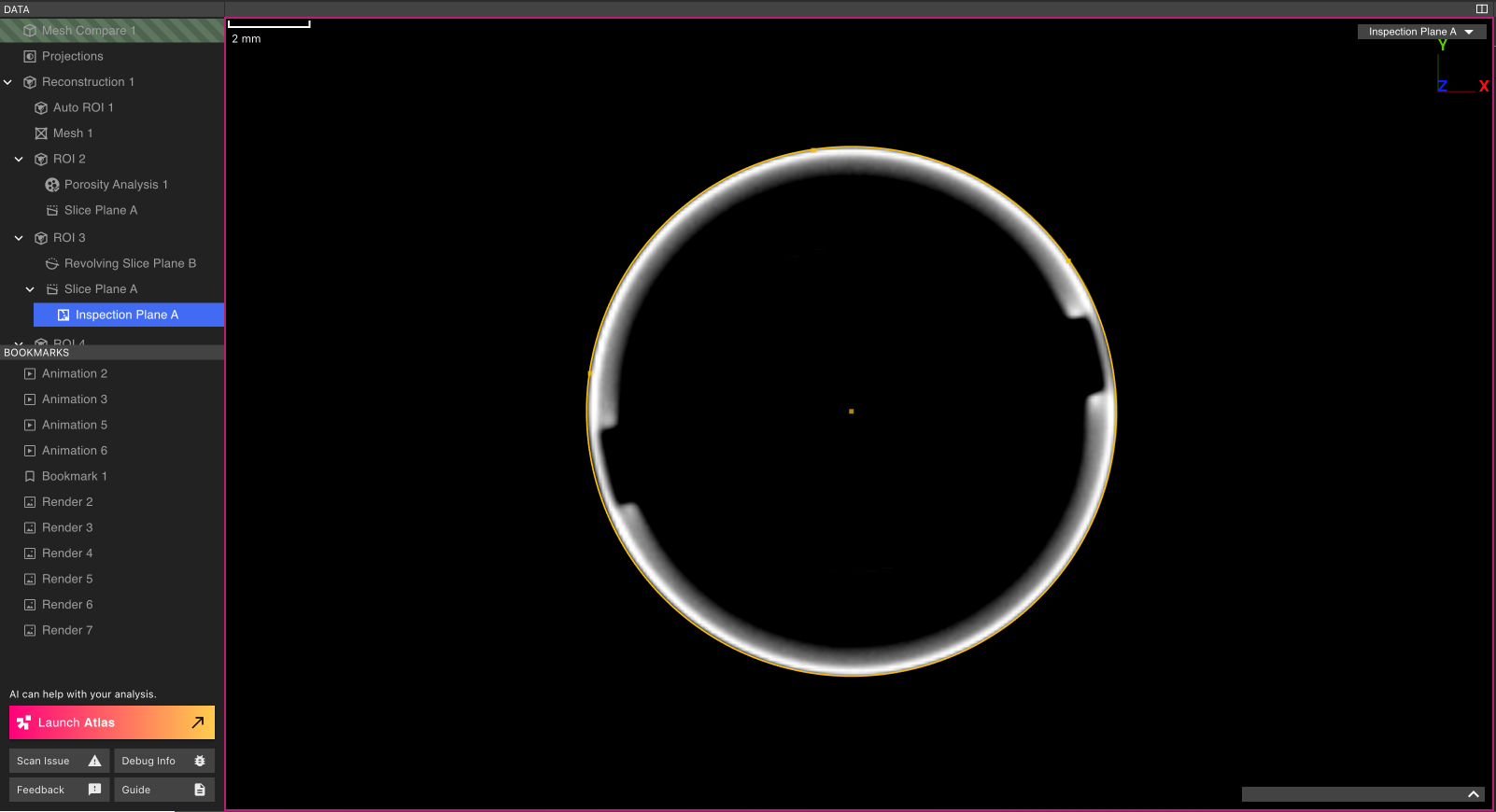
要测量圆的直径，请选择工具栏中的圆工具。在检查平面上选择位于圆圆周上的三个点。最后，在 Viewport 中选择一个点将尺寸框附加到 Viewport。

<img src="https://mintcdn.com/lumafield/9o35B0-Sowr9WZP8/images/circle-tool.png?fit=max&auto=format&n=9o35B0-Sowr9WZP8&q=85&s=6099d74022b03b48654b816c3188df91" alt="圆形工具" width="1602" height="870" data-path="images/circle-tool.png" />

<h3 id="line-tool">
  直线工具
</h3>

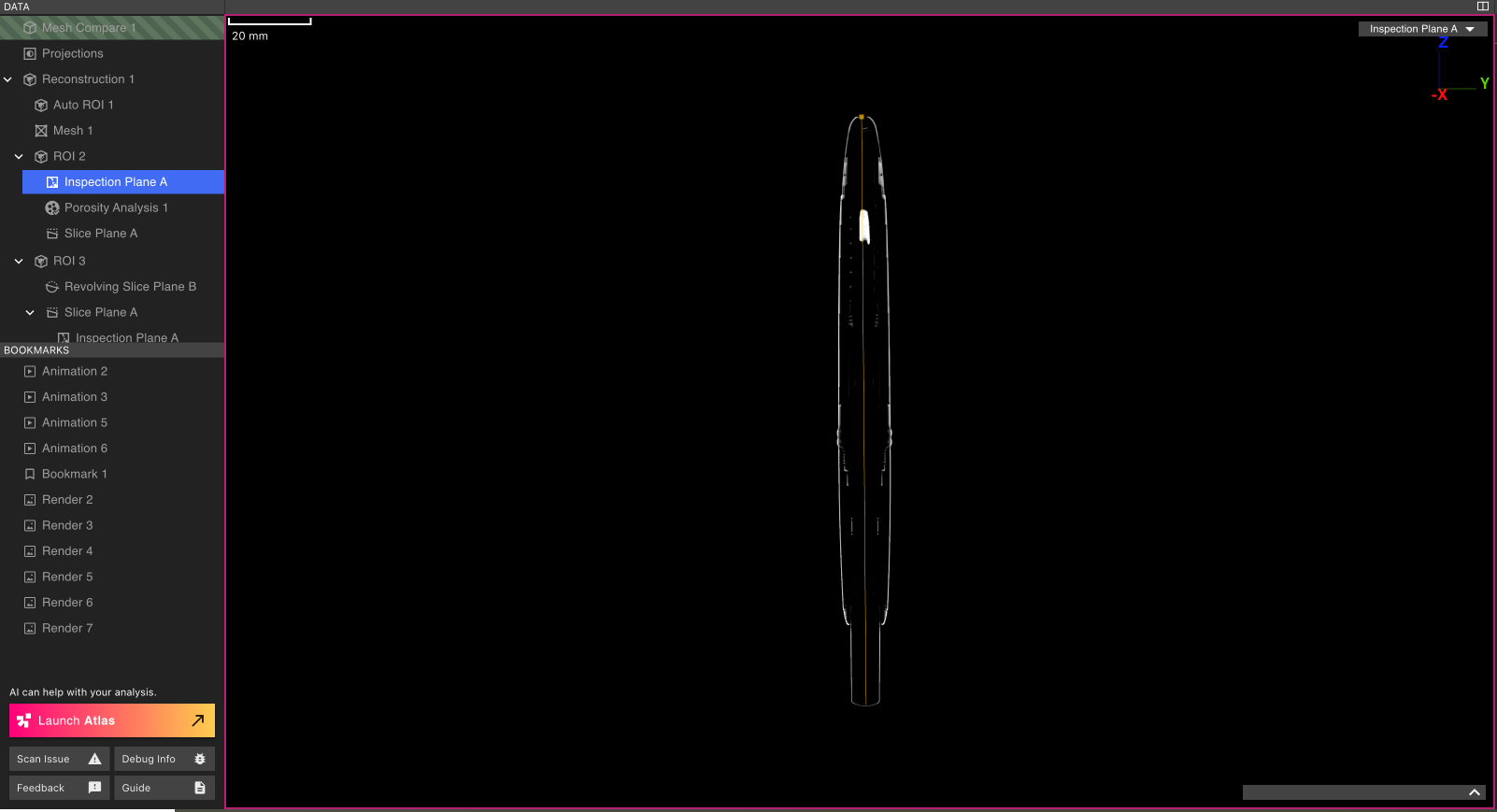
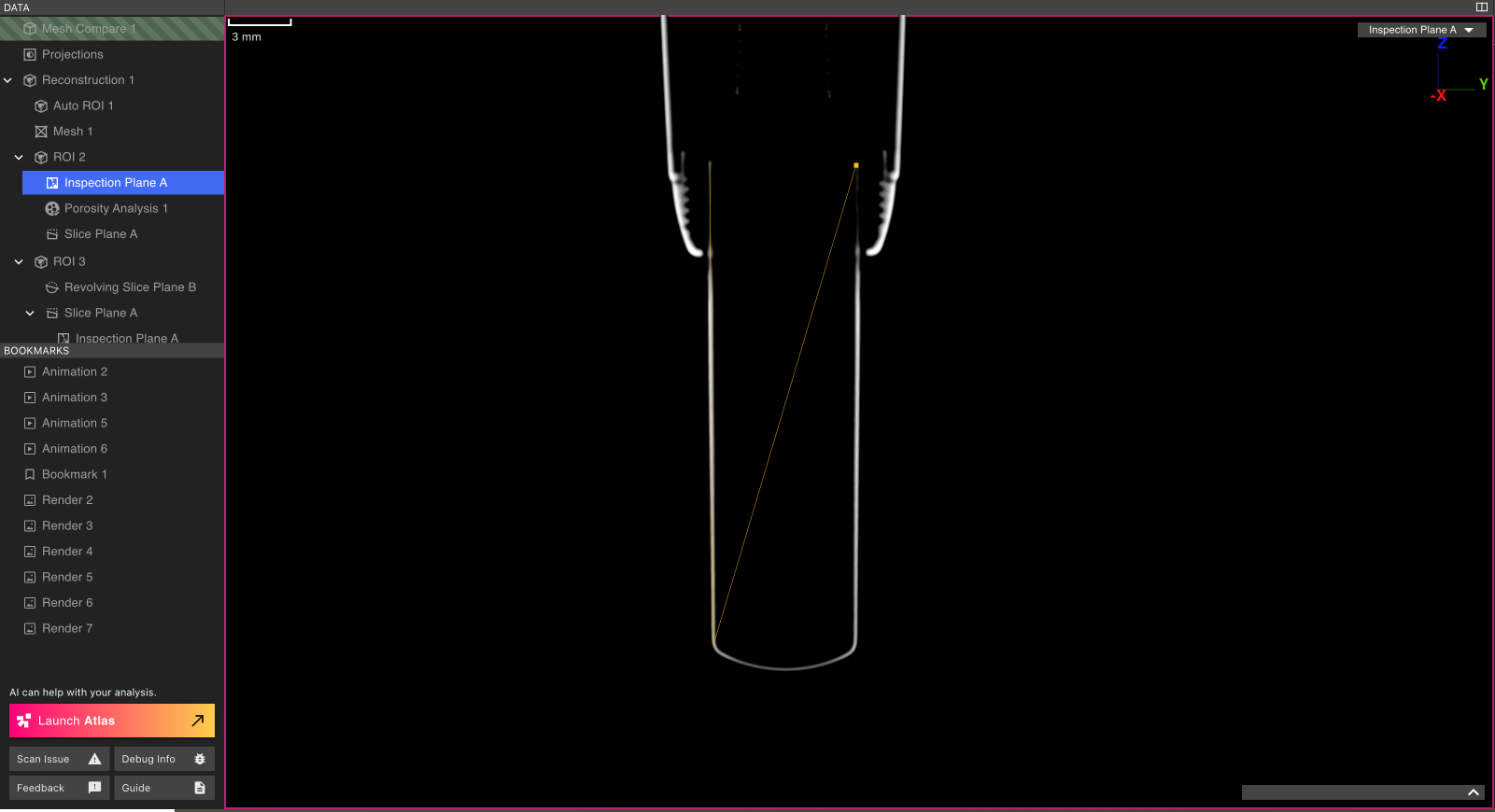
要测量线段的长度，请选择工具栏中的直线工具。选择线段的两个端点，然后在 Viewport 中选择一个点，将尺寸框附加到 Viewport。

<img src="https://mintcdn.com/lumafield/fInjWcDeUzHNBDGm/images/line-tool.png?fit=max&auto=format&n=fInjWcDeUzHNBDGm&q=85&s=9685b9546638dd74b2d31c5cbe247fe5" alt="线条工具" width="1602" height="869" data-path="images/line-tool.png" />

<h3 id="angle-tool">
  角度工具
</h3>

要测量两条线段之间的角度，请选择工具栏中的角度工具。选择第一条线段的两个端点，然后选择第二条线段的两个端点。最后，在 Viewport 中选择一个点将尺寸框附加到 Viewport。

<img src="https://mintcdn.com/lumafield/KxDILDQa2w9NfU2F/images/angle-tool.png?fit=max&auto=format&n=KxDILDQa2w9NfU2F&q=85&s=6e059dafaf5d0c1b27c2fc9451216fa8" alt="角度工具" width="1601" height="870" data-path="images/angle-tool.png" />

<h3 id="customizing-measurement-labels">
  自定义测量标签
</h3>

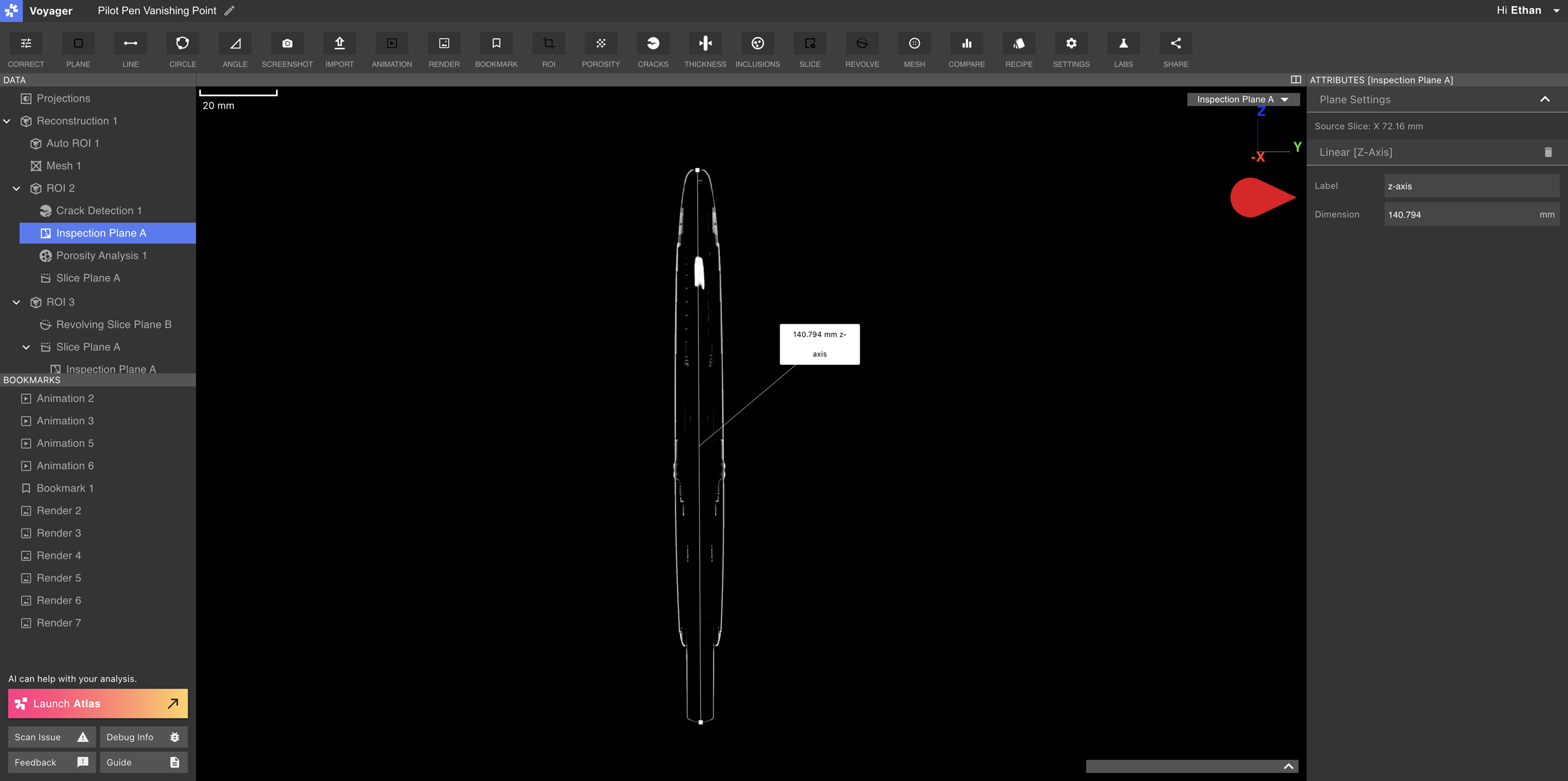
可以从检查平面的属性面板对测量进行标记。修改“标签”字段以为测量创建新的显示名称。
<img src="https://mintcdn.com/lumafield/fInjWcDeUzHNBDGm/images/measurement-rename.png?fit=max&auto=format&n=fInjWcDeUzHNBDGm&q=85&s=5aa9650b04f6153ac2317736948e798e" alt="重命名测量" width="3600" height="1794" data-path="images/measurement-rename.png" />

<h2 id="measuring-a-mesh">
  测量 Mesh
</h2>

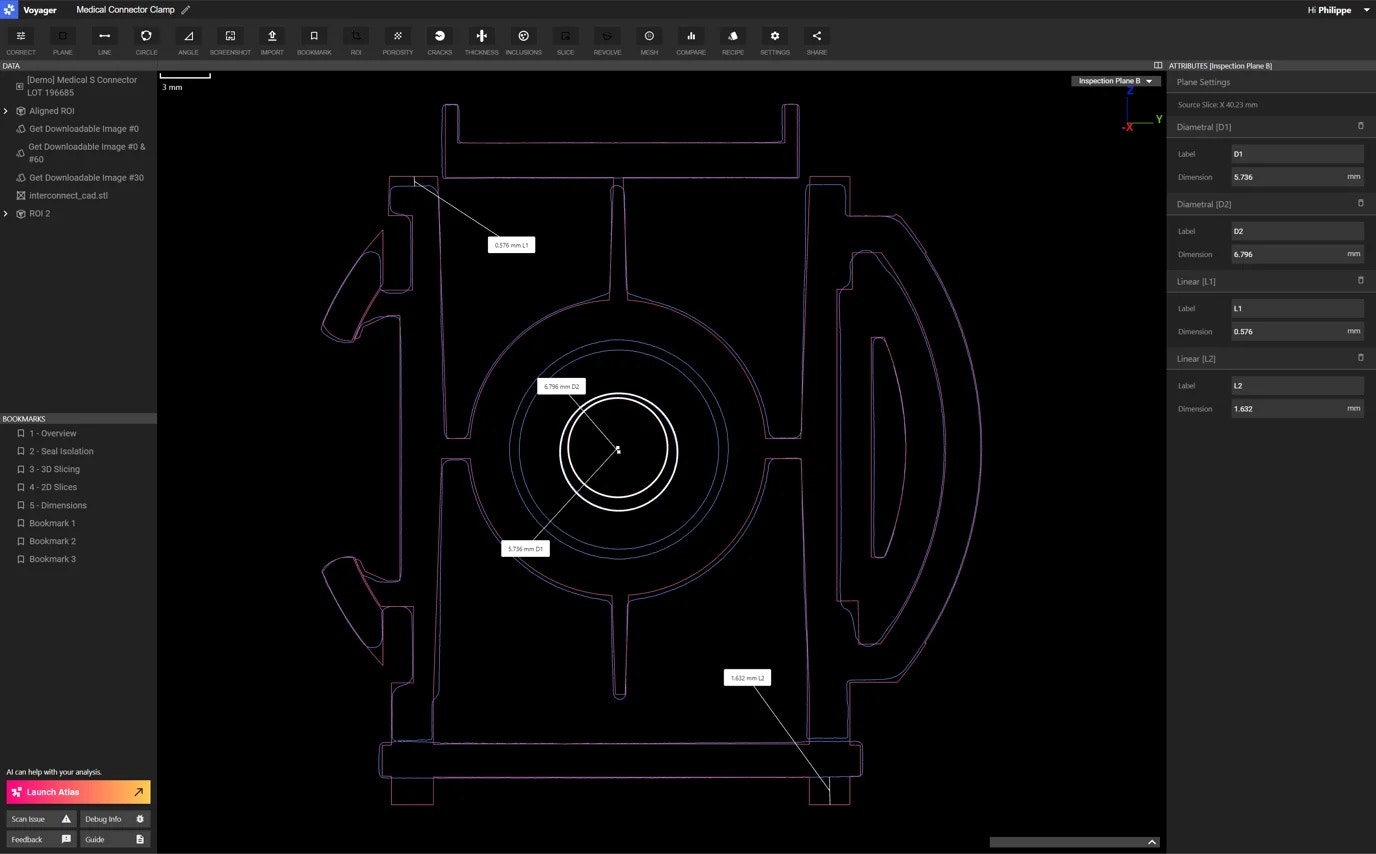
在 Mesh 或 Mesh 比较数据对象上进行测量时，Voyager 支持 Mesh 捕捉以实现更精确的尺寸标注工作流程。请访问[ISO-50 和 Mesh 捕捉](/zh-Hans/voyager/voyager-iso50-dimensioning) 文章了解更多信息。
<img src="https://mintcdn.com/lumafield/rGQMCx2Q_AFPZMFP/images/inspection-plane-4.jpg?fit=max&auto=format&n=rGQMCx2Q_AFPZMFP&q=85&s=efed38f03a7ee2a3824c9f9c44ec6a95" alt="测量 Mesh" width="1376" height="854" data-path="images/inspection-plane-4.jpg" />