> ## Documentation Index
> Fetch the complete documentation index at: https://support.lumafield.com/llms.txt
> Use this file to discover all available pages before exploring further.
# Labs - ROI Copy & Paste
> 使用 ROI Copy & Paste 工具在同一專案或不同專案的重建之間複製 ROI
該工具旨在幫助用戶在同一專案內的不同重建之間或不同專案內的不同重建內複製並貼在ROI上。這可以實現有意義的工作流程改進,支援跨相同方向掃描專案的專案進行相同或幾乎相同的分析。
注意:截至 2026 年 3 月,實驗室支援雲端和本地環境。尚不支援 GovCloud。如果您在工具列中沒有看到實驗室,請聯絡您的管理員或[support@lumafield.com](mailto:support@lumafield.com)。
存取 ROI Copy & Paste 應用程式
從工具列中選擇實驗室工具,然後開啟 ROI Copy & Paste 應用程式。
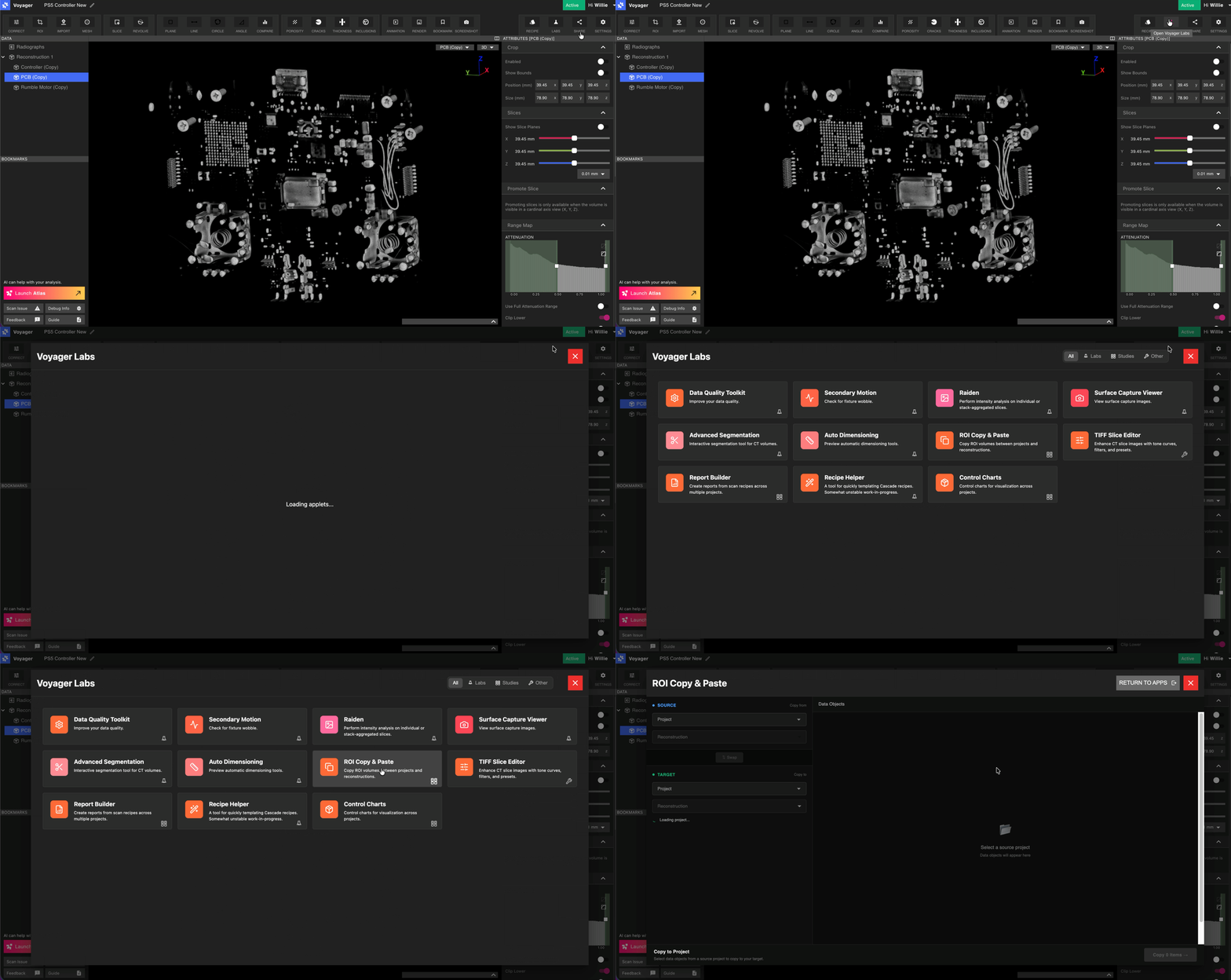
程式執行複製和貼上應用
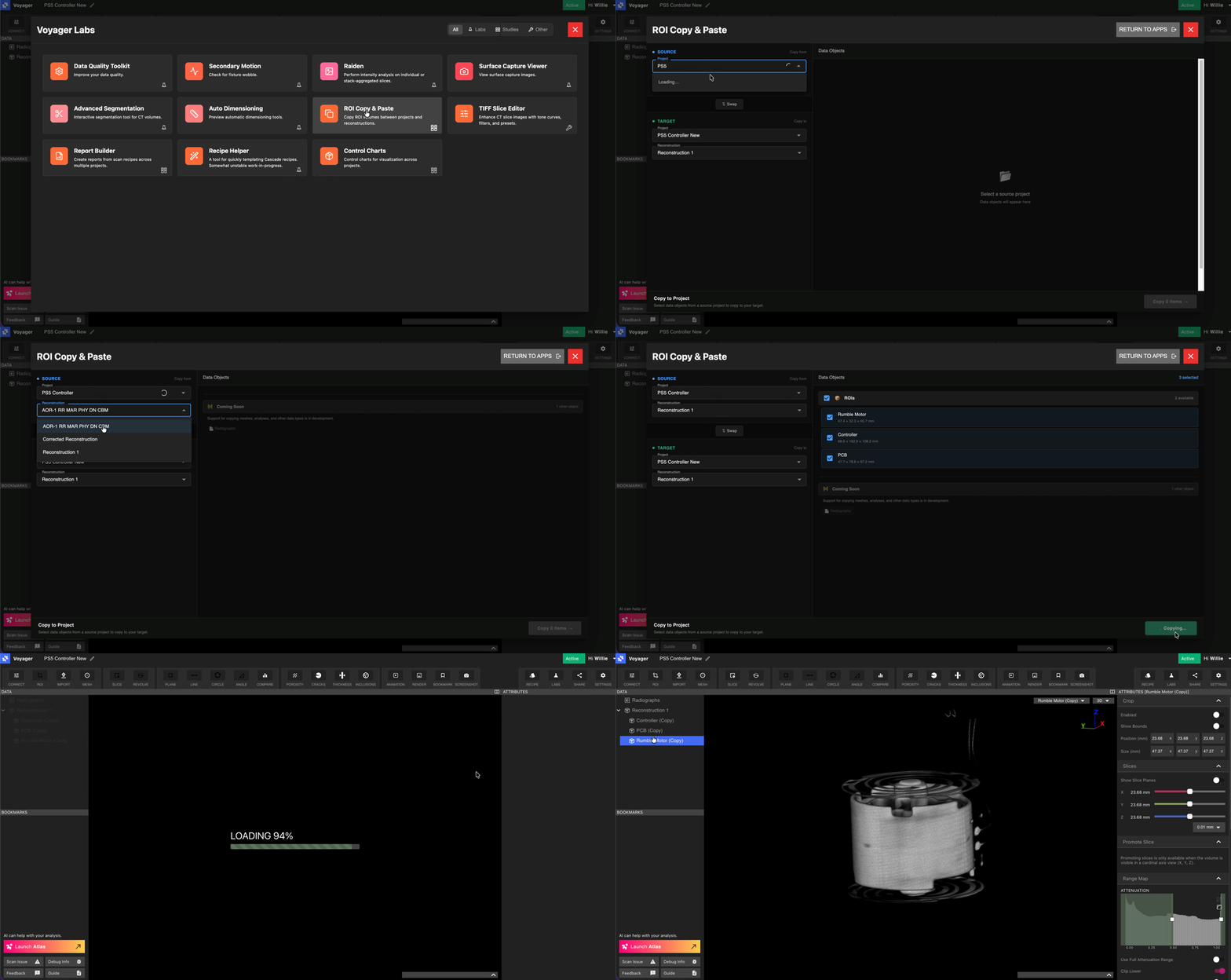
複製和貼上應用程式接受來源項目和目標項目作為輸入。用戶還需要設定來源和目標重建。預設值選擇已並可調整。
工作流程:
1.項目交叉搜尋項目名稱選擇來源。
2\. 如果與預設值不同,請選擇來源重建。
3.您選擇要複製的 ROI。
4\. 點選「複製n個ROI」即可啟動。
注意:如果第一次在重建中建立了這些 ROI,則它們將需要標準的處理時間才能返回。