> ## Documentation Index
> Fetch the complete documentation index at: https://support.lumafield.com/llms.txt
> Use this file to discover all available pages before exploring further.

# 測量工具

> 在檢查平面上進行直線、圓和角度測量

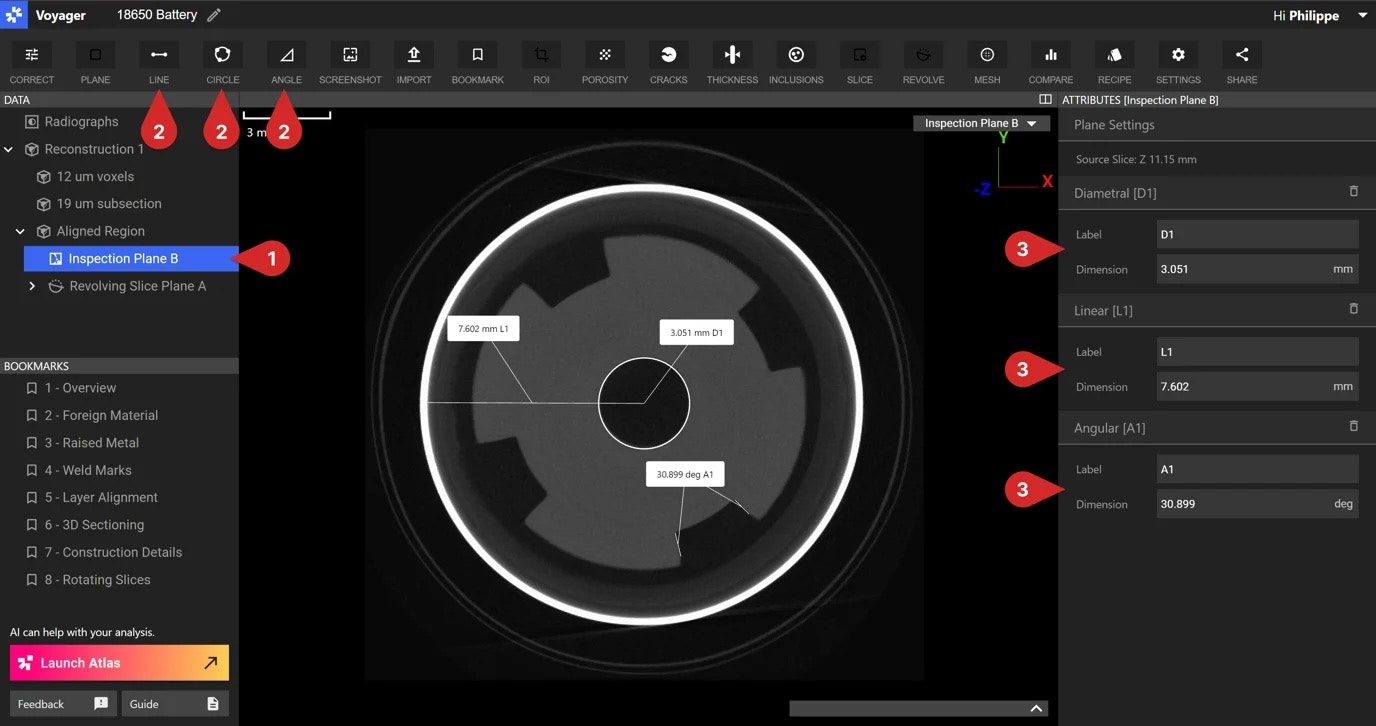
使用直線、圓和角度工具來檢查平面進行 2D 測量。當在資料面板中選擇[檢查平面](/zh-Hant/voyager/voyager-inspection-planes)取得項目時，這些測量工具可用。

<img src="https://mintcdn.com/lumafield/rGQMCx2Q_AFPZMFP/images/inspection-plane-3.jpg?fit=max&auto=format&n=rGQMCx2Q_AFPZMFP&q=85&s=23171f908bcbf0f00ab612c471edbd41" alt="Inspection Plane" width="1376" height="726" data-path="images/inspection-plane-3.jpg" />

<h3 id="circle-tool">
  圓形工具
</h3>

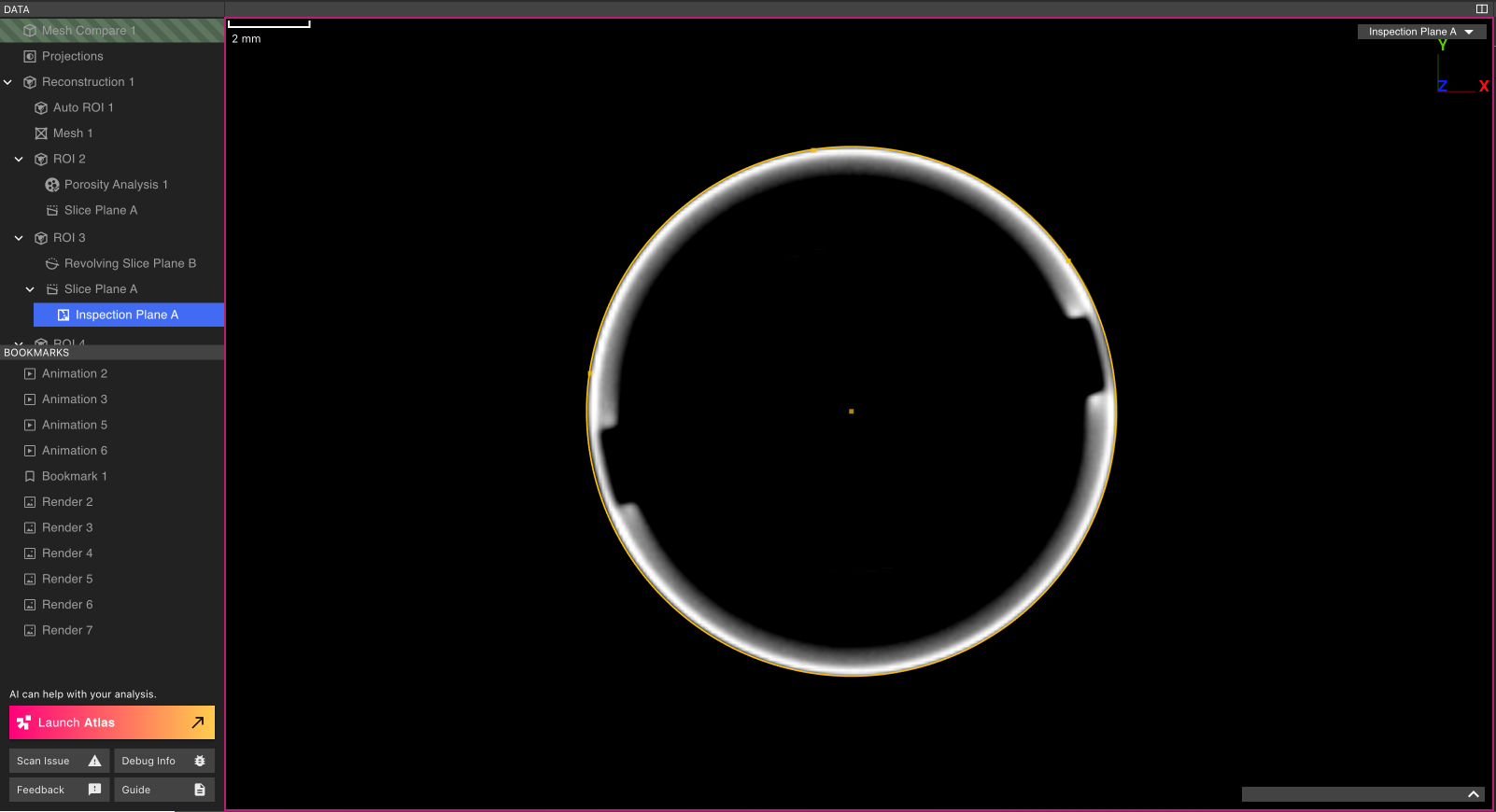
若要測量圓形的直徑，請選擇工具列中的圓形工具。在檢查平面圖上選擇位於圓形形狀上的三個點。最後，在 Viewport 中選擇一個點將尺寸框附加到 Viewport。

<img src="https://mintcdn.com/lumafield/9o35B0-Sowr9WZP8/images/circle-tool.png?fit=max&auto=format&n=9o35B0-Sowr9WZP8&q=85&s=6099d74022b03b48654b816c3188df91" alt="Circle Tool" width="1602" height="870" data-path="images/circle-tool.png" />

<h3 id="line-tool">
  直線工具
</h3>

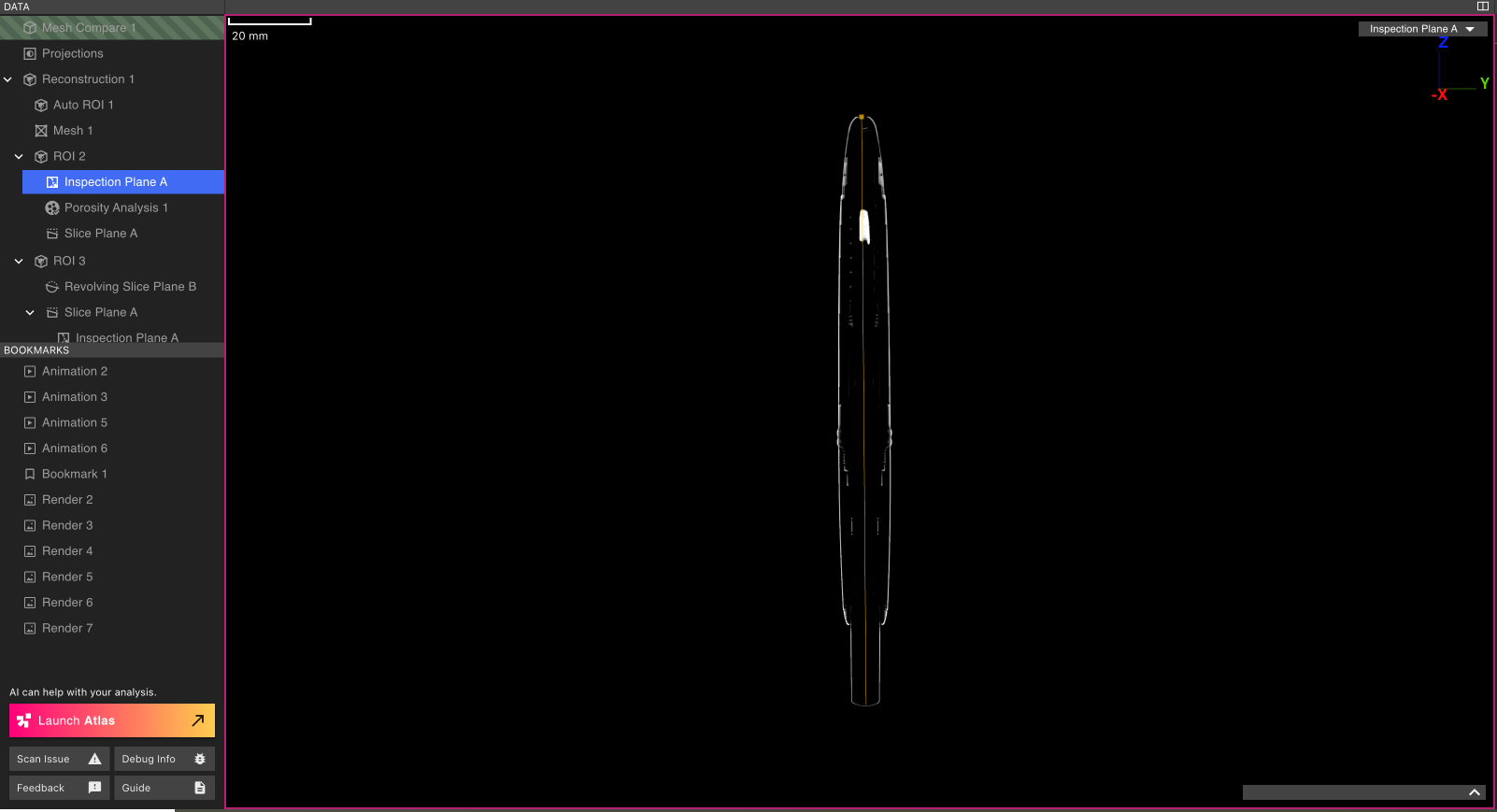
若要測量線段的長度，請選擇工具列中的直線工具。選擇線段的兩個端點，然後在 Viewport 中選擇一個點，將尺寸框附加到 Viewport。

<img src="https://mintcdn.com/lumafield/fInjWcDeUzHNBDGm/images/line-tool.png?fit=max&auto=format&n=fInjWcDeUzHNBDGm&q=85&s=9685b9546638dd74b2d31c5cbe247fe5" alt="Line Tool" width="1602" height="869" data-path="images/line-tool.png" />

<h3 id="angle-tool">
  角度工具
</h3>

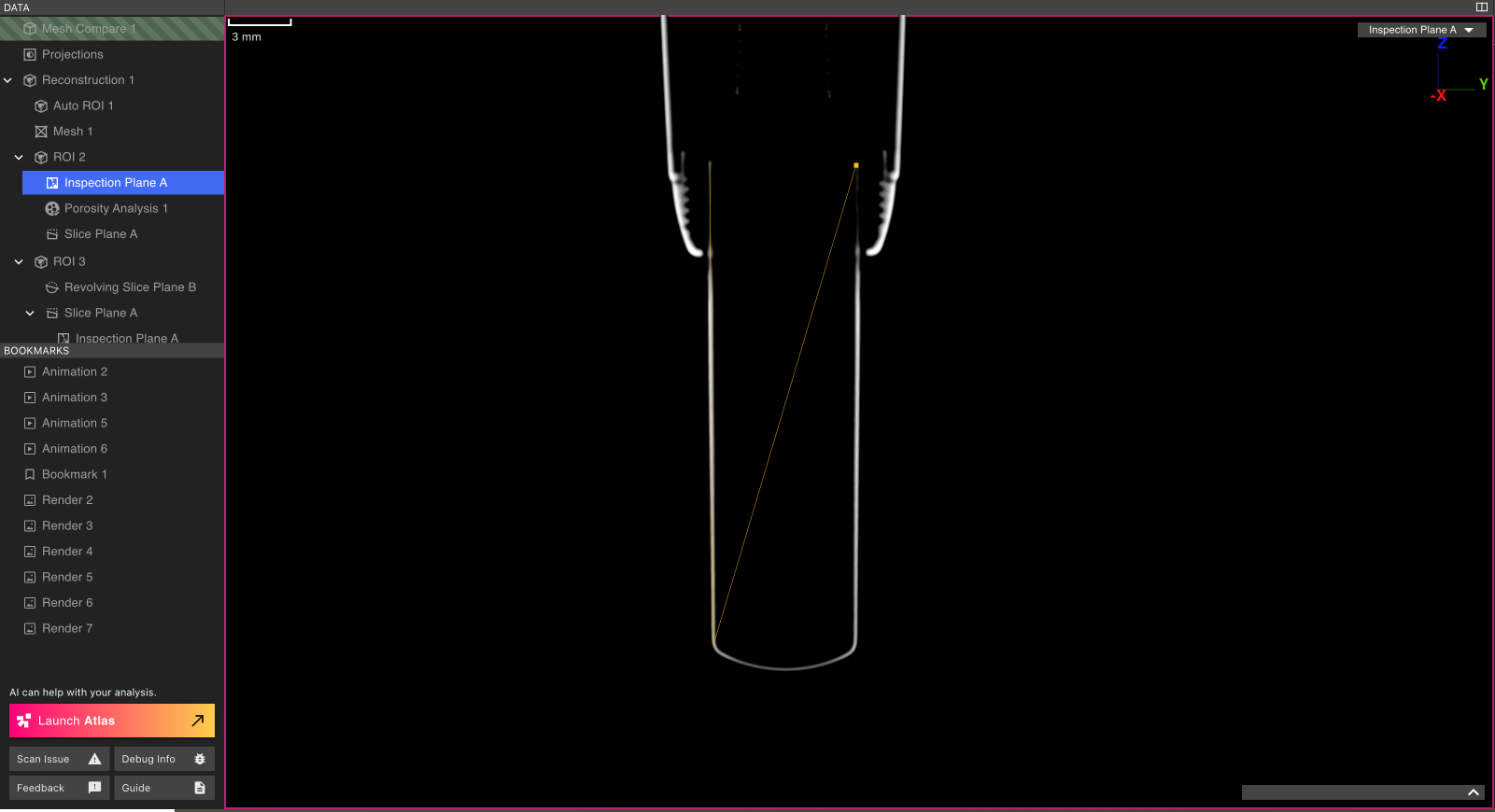
若要測量初步線段之間的角度，請工具列中的角度工具。選擇第一條線段的兩個選擇端點，然後選擇第二條線段的兩個端點。最後，在 Viewport 中選擇一個點將尺寸框附加到 Viewport。

<img src="https://mintcdn.com/lumafield/KxDILDQa2w9NfU2F/images/angle-tool.png?fit=max&auto=format&n=KxDILDQa2w9NfU2F&q=85&s=6e059dafaf5d0c1b27c2fc9451216fa8" alt="Angle Tool" width="1601" height="870" data-path="images/angle-tool.png" />

<h3 id="customizing-measurement-labels">
  自訂測量標籤
</h3>

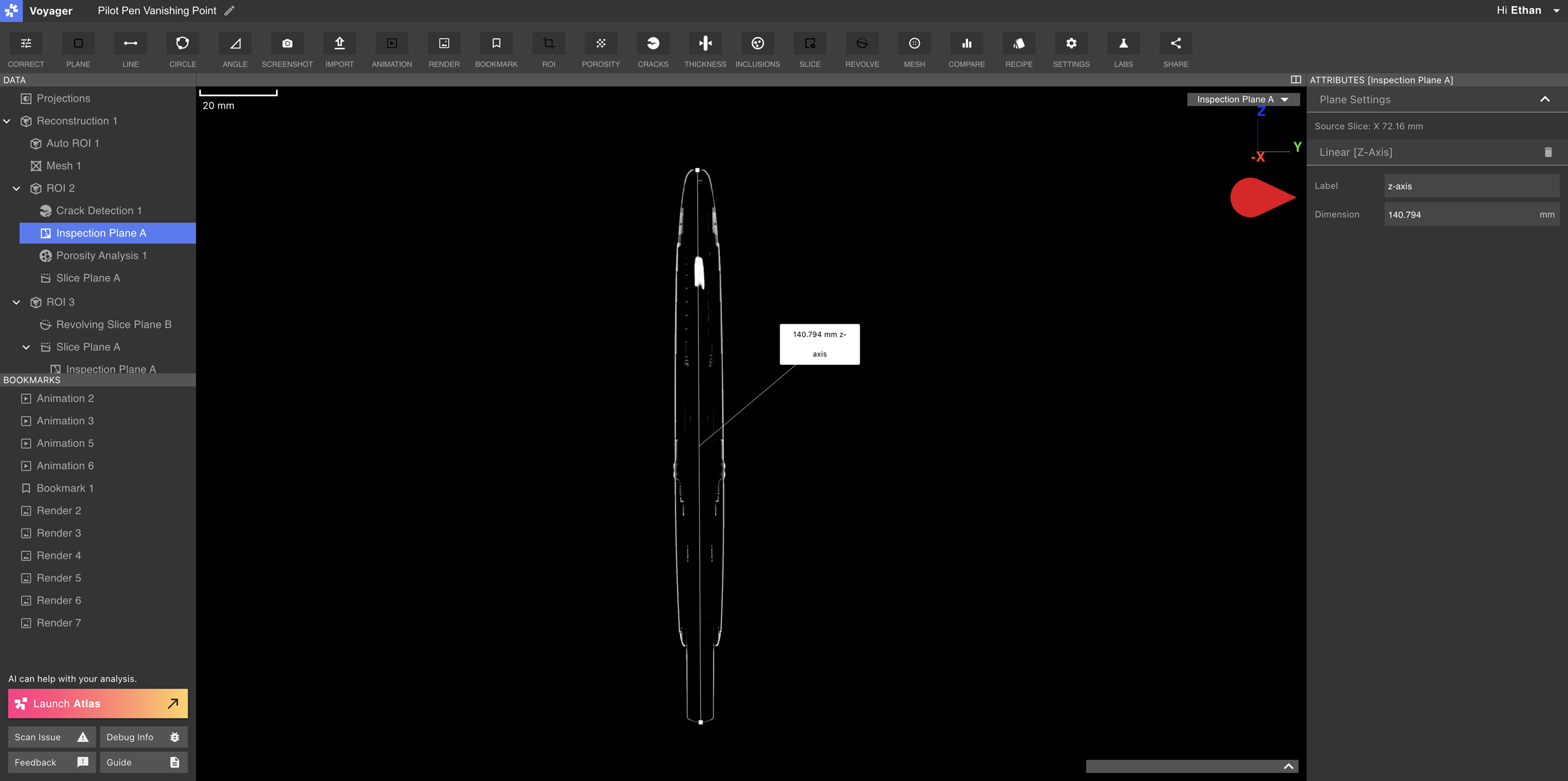
可以從檢查平面的屬性面板對測量進行標記。修改「標籤」欄位以為測量會建立新的顯示名稱。
<img src="https://mintcdn.com/lumafield/fInjWcDeUzHNBDGm/images/measurement-rename.png?fit=max&auto=format&n=fInjWcDeUzHNBDGm&q=85&s=5aa9650b04f6153ac2317736948e798e" alt="Rename a Measurement" width="3600" height="1794" data-path="images/measurement-rename.png" />

<h2 id="measuring-a-mesh">
  測量網格
</h2>

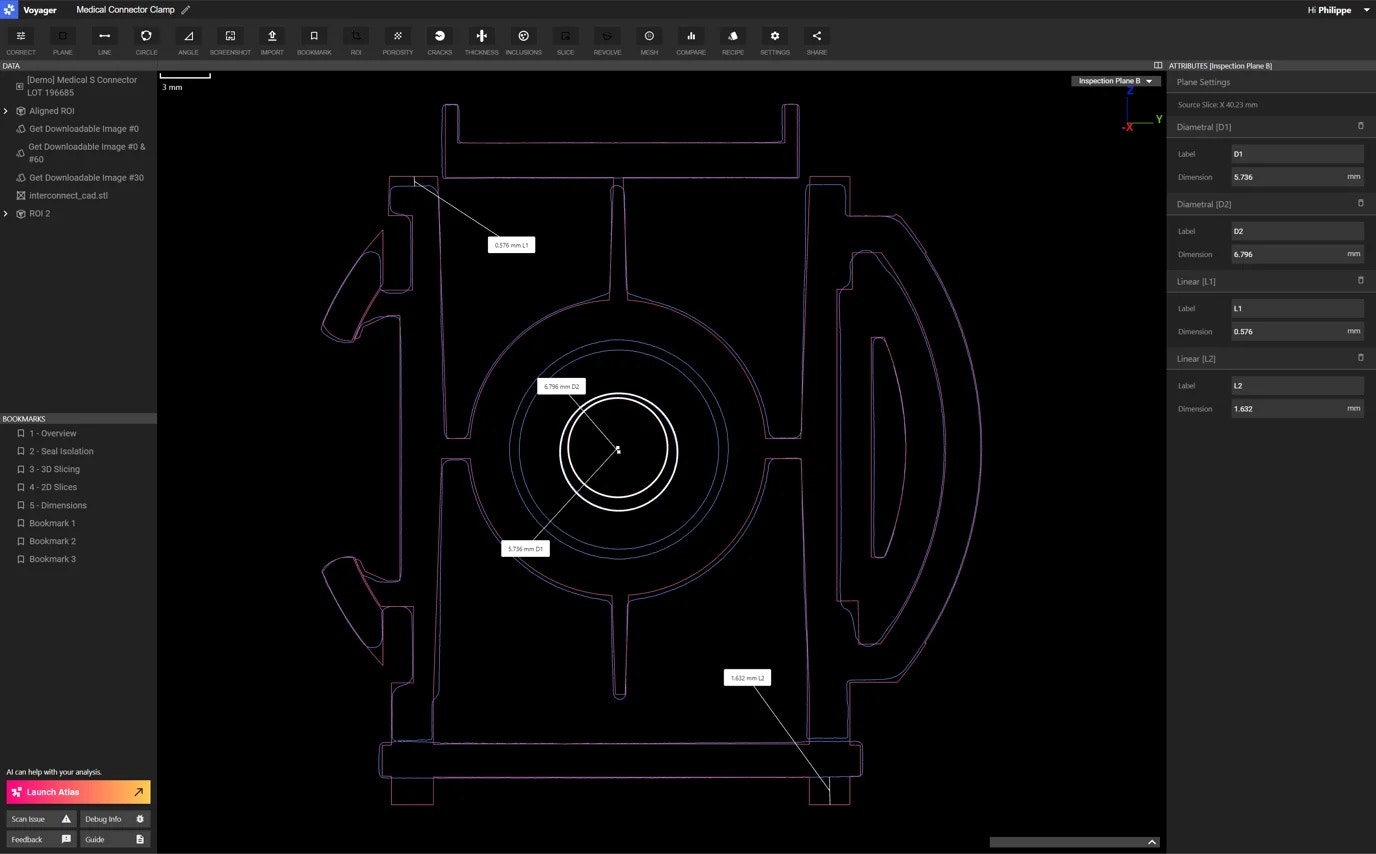
在網格或網格比較資料工件上進行測量時，Voyager支援網格網格，以實現更精確的尺寸標註工作流程。請造訪[ISO-50 和網格捕捉](/zh-Hant/voyager/voyager-iso50-dimensioning)文章以了解更多資訊。
<img src="https://mintcdn.com/lumafield/rGQMCx2Q_AFPZMFP/images/inspection-plane-4.jpg?fit=max&auto=format&n=rGQMCx2Q_AFPZMFP&q=85&s=efed38f03a7ee2a3824c9f9c44ec6a95" alt="Measuring a Mesh" width="1376" height="854" data-path="images/inspection-plane-4.jpg" />