> ## Documentation Index
> Fetch the complete documentation index at: https://support.lumafield.com/llms.txt
> Use this file to discover all available pages before exploring further.
# 設定
> 調整 Project 設定和視圖屬性
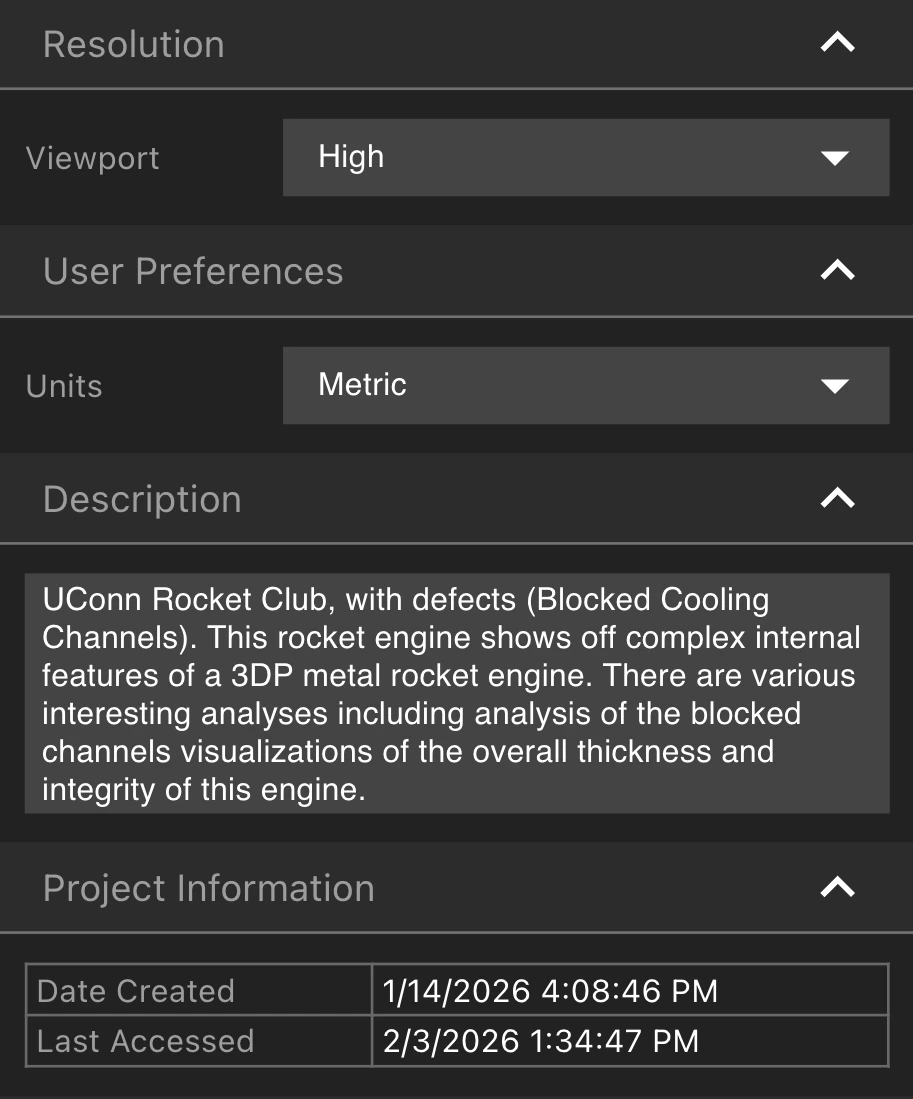
從工具列中選擇設定工具以開啟設定屬性面板。修改解析度和使用者偏好設定,查看和編輯 Project 的描述、縮略圖和屬性。
基本設定
* 修改Viewport解析度可以幫助更快地載入資料。在解析度選項卡中選擇解析度。
* 在「使用者偏好設定」選項卡中在公制和英制單位之間切換
* 為您的 Project 提供所有協作者都可以在「描述」選項卡中查看的描述
* 在 Project 資訊選項卡中檢查 Project 的建立時間和上次存取時間
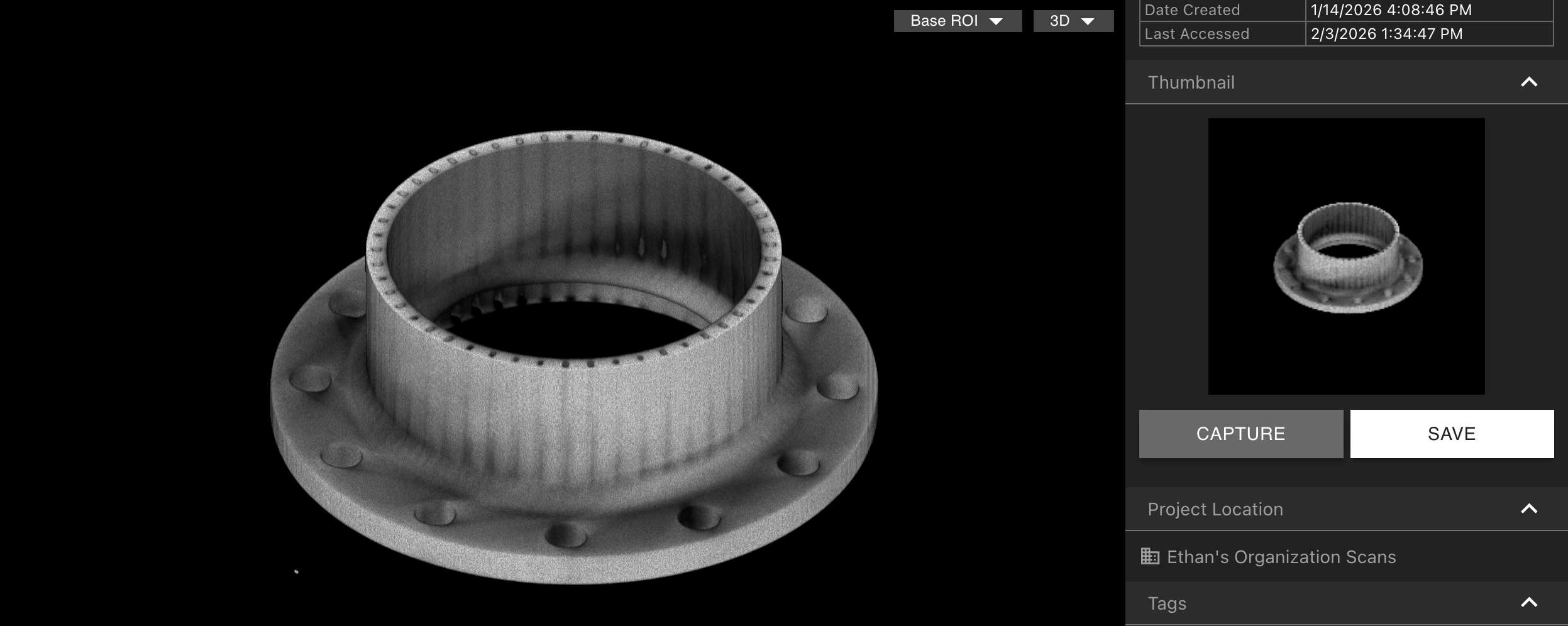
縮略圖
在Viewport中使用所需的縮略圖,選擇「擷取」以將圖像鎖定為 Project 的縮略圖。選擇儲存以下載縮略圖。
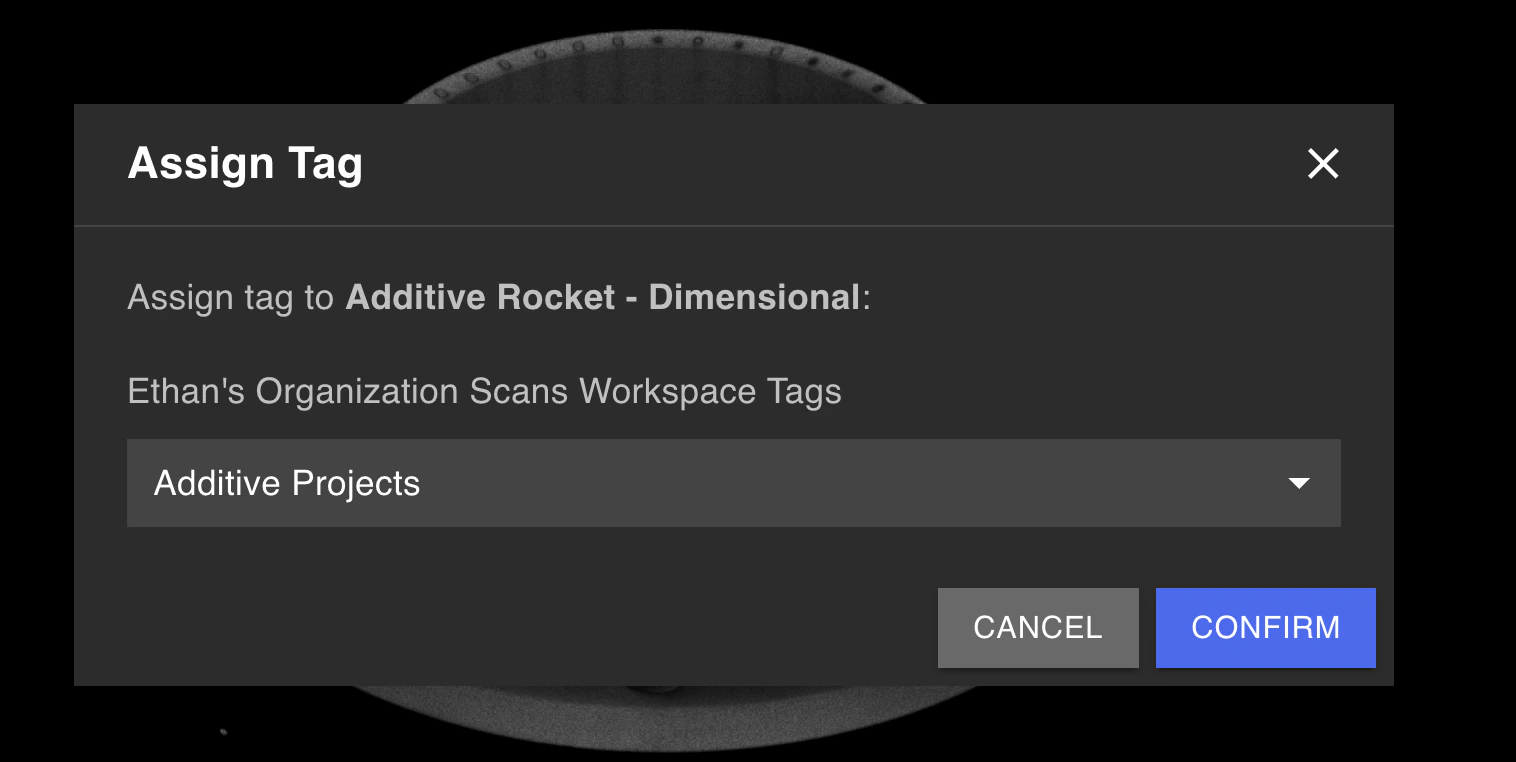
 透過選擇「指派標籤」,從「標籤」選項卡中將標籤指派給 Project。這也可以從 [Project Dashboard](/zh-Hant/voyager/voyager-dashboard) 一次為多個 Projects 完成。
Full-Resolution Exports
如果您的組織啟用了 Full-Resolution Exports [Analysis 模組](/zh-Hant/platform/analysis-modules),您可以從匯出全解析度資料選項卡中下載全解析度掃描資料。
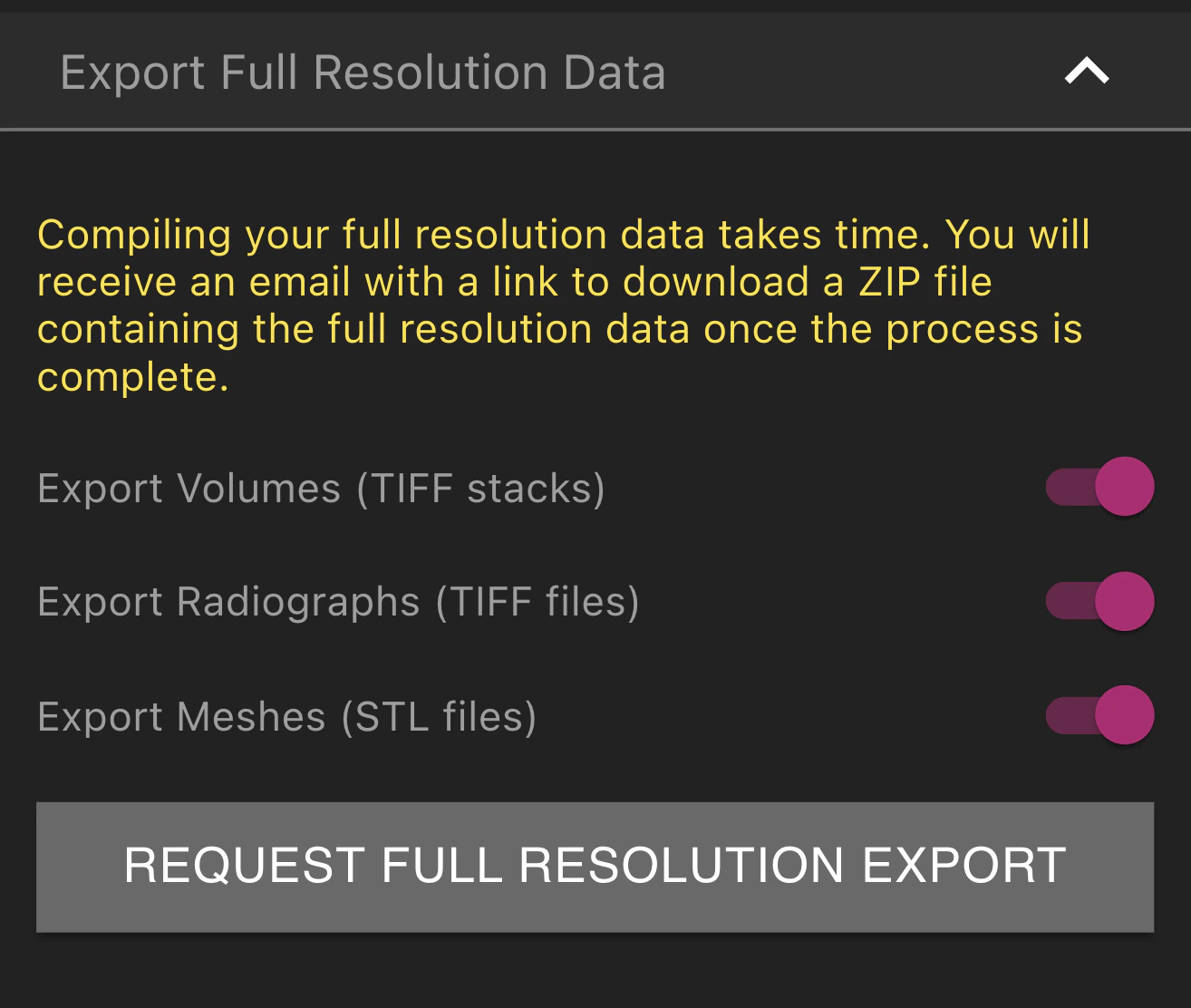 選擇要包含在匯出中的體積、射線照片和 Meshes。選擇請求 Full-Resolution Exports 後,將顯示「已請求匯出」。匯出完成後,您將收到一封電子郵件,其中包含以 ZIP 檔案形式下載資料的連結。