

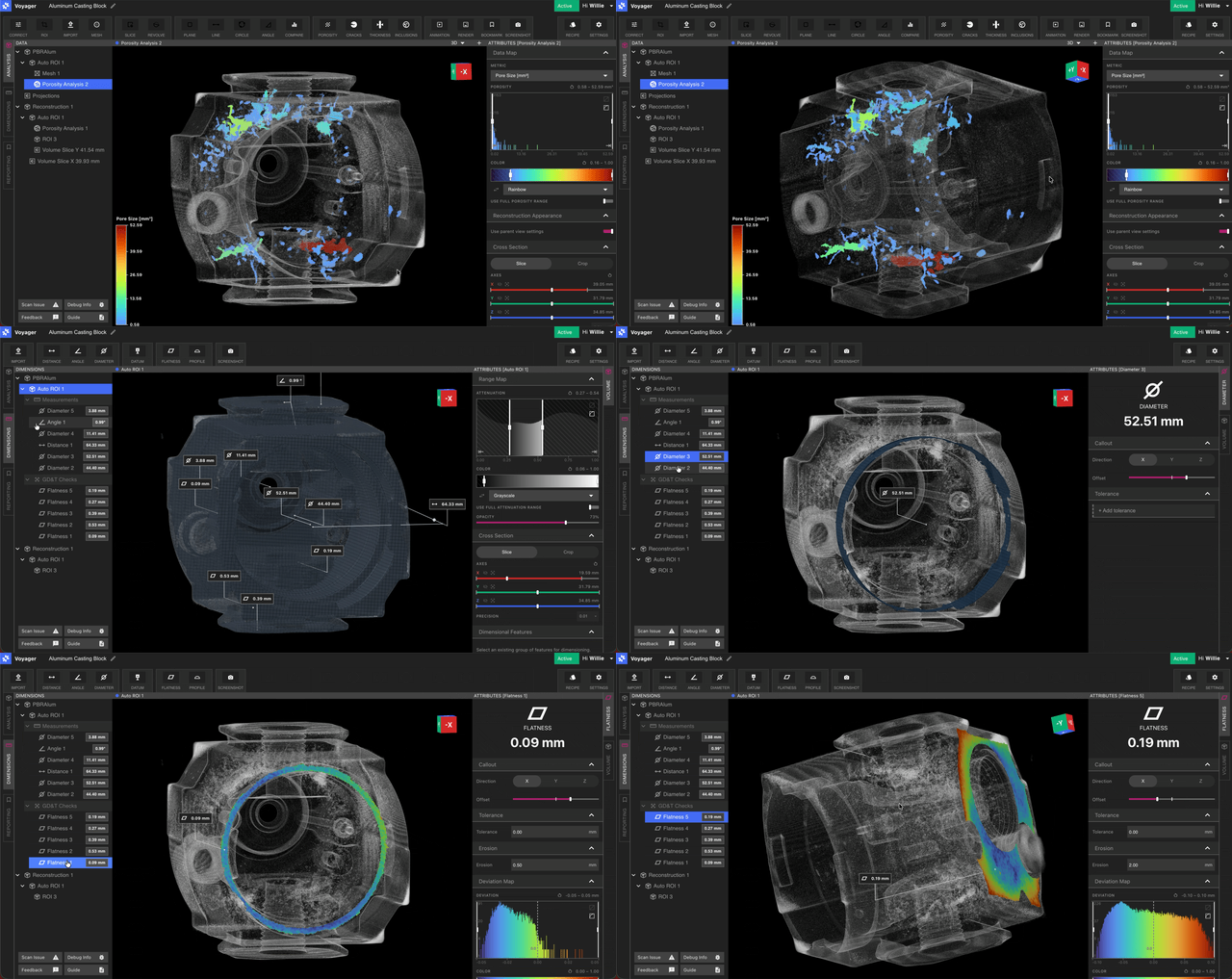
What’s included
Feature Extraction
Fit planes, cylinders, and other surfaces to a volume. The feature set is what every check measures.
Manual Feature Authoring
Create, refine, name, and delete planes and cylinders by hand. Promote the ones you use often.
Alignment
Place the scan on its CAD so datums and Frames can be copied from one side to the other.
Direct Dimensions
Distance, Angle, and Diameter between features, with a Symmetric, Unilateral, or Limit tolerance and a pass/fail color.
Flatness
Form of a plane. No datum. The zone is two parallel planes.
Cylindricity
Form of a cylinder. No datum. The zone is two coaxial cylinders.
Datum Definition
Plane, axis, and midplane datums, and the Frames that rank them.
Profile
One feature, or the whole part, against a finished STEP model.
Position
How far a hole’s axis may stray from its true position on the CAD.
Perpendicularity
How square a face or axis is to its datums.
Parallelism
How parallel a face or axis is to its datums.
The feature set
Open Features and run Feature Extraction on a volume. The feature set comes back with planes, cylinders, cones, fillets, chamfers, and spheres. Inactive features — ones smaller than the area cutoff — stay out of the lists you measure from. Extraction runs once on that volume. ROIs built on the volume inherit the same features. Adding an ROI does not re-run extraction. Click the feature set in the tree to open its settings: the source volume, the material count, the resolution it was extracted at, voxel size, smallest radius, thinnest wall, and algorithm version. The same panel holds the CAD alignment. The tree under a feature set is:- Features — features you Promote to sidebar
- Datums
- Frames
- Measurements
- GD&T Checks
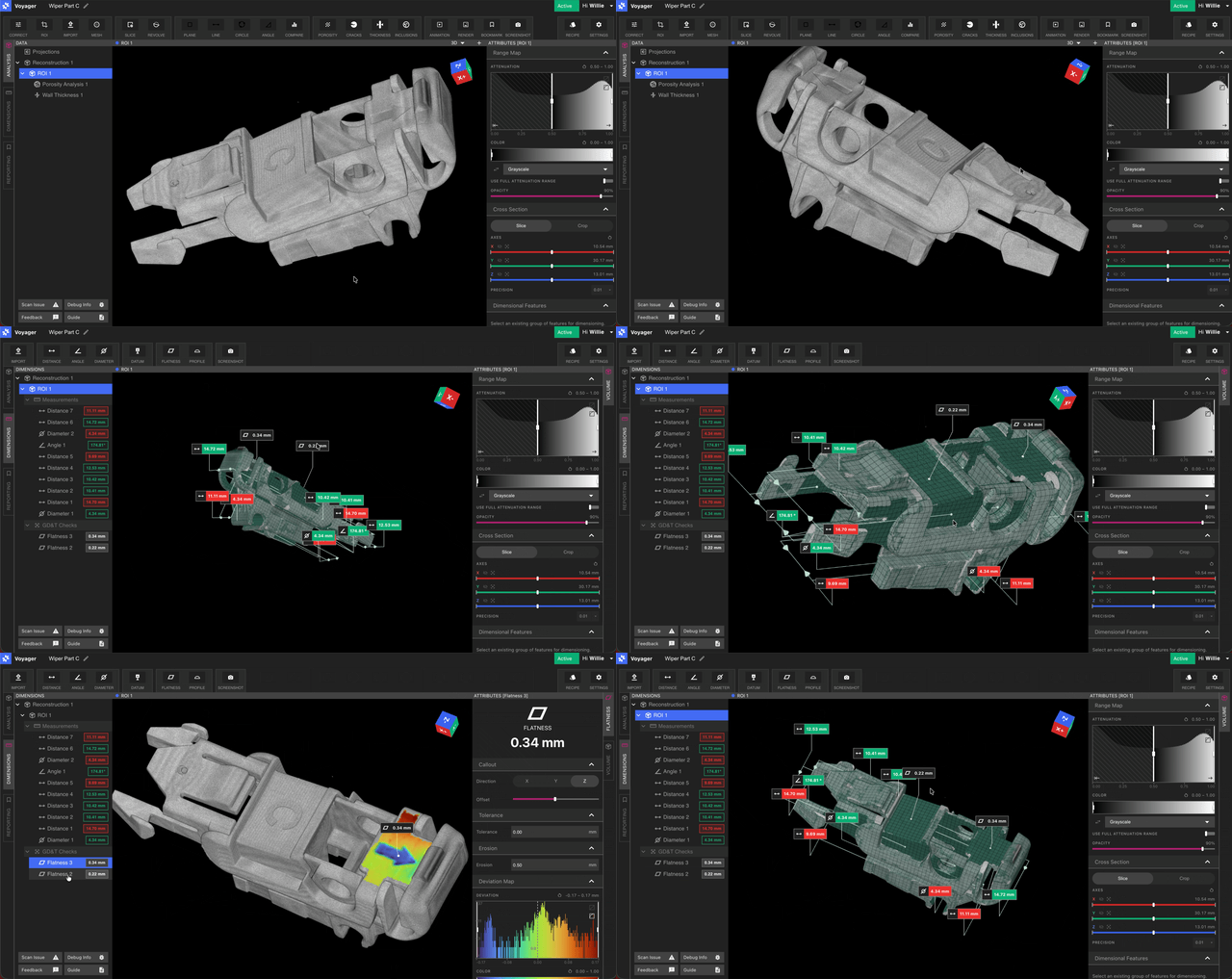
Extraction is strongest on a single material. Mixed assemblies can still be limited to the densest materials so a fixture is ignored. High-attenuation parts used to throw false surfaces; that is improved, and it is not a promise that every alloy separates cleanly. Reach out to Lumafield if a part does not.
Orientation
Form controls do not need the part rotated to a drawing. They measure the surface that was picked. Checks that quote a drawing still need the scan and the CAD in the same place. Align the scan to the CAD and build the Frame there. Rotating an ROI is still how you set the volume’s own axes when you are not measuring against CAD. Voyager does not yet create that ROI from the extracted features for you.Standards and what is next
The controls shipping today follow ASME Y14.5-2009, implemented from the Y14.5.1-2019 definitions. ISO 1101 is not a separate mode. Not in the product yet:- Concentricity is defined in the measurement service and is not a Toolbar control.
- Auto-orient — an ROI created from the extracted features, without a manual rotation — is still future work. Alignment to CAD is a different operation.