

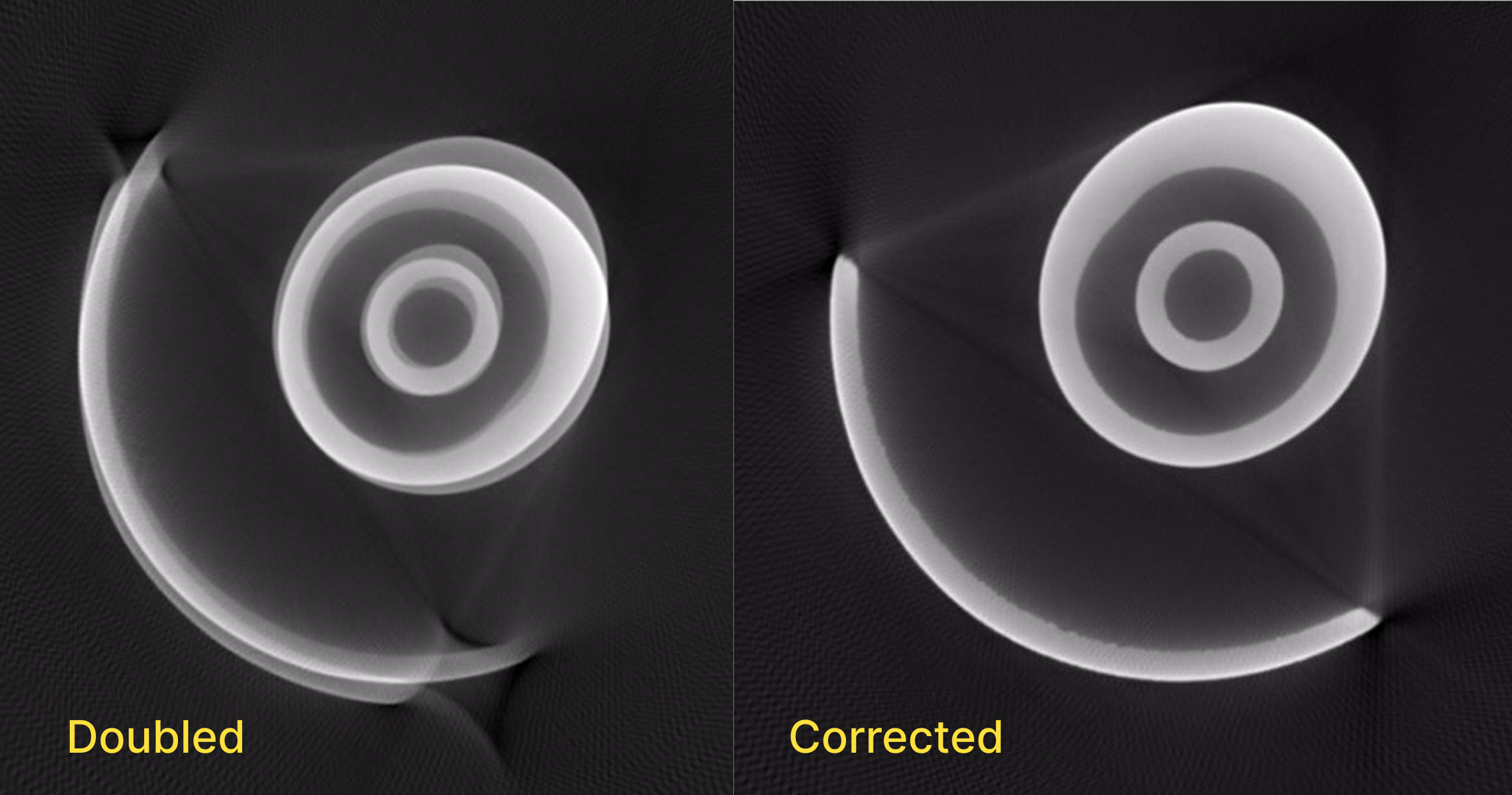
- Click the Correct function in the Toolbar.
- Toggle on the Axis of Rotation Correction option in the first step of the workflow.
- Move the upper and lower line into positions that intersect the part near the top and bottom of the part.
- Select a set of coarse parameters that minimize any visible doubling in both panels of the Viewer.
- Repeat this step for the fine parameters.
- Start the Reconstruction.
- A new volume will be returned with corrected doubling within an hour, often within around 30 minutes.