Authoring a Bookmark
A Bookmark can be created on any type of Data Object. Choose a Data Object in the Data Panel, then set all visualization settings as desired for the Bookmark. Select the Bookmark Tool from the Toolbar. The Bookmark will be added to the Bookmarks Panel on the left side of Voyager.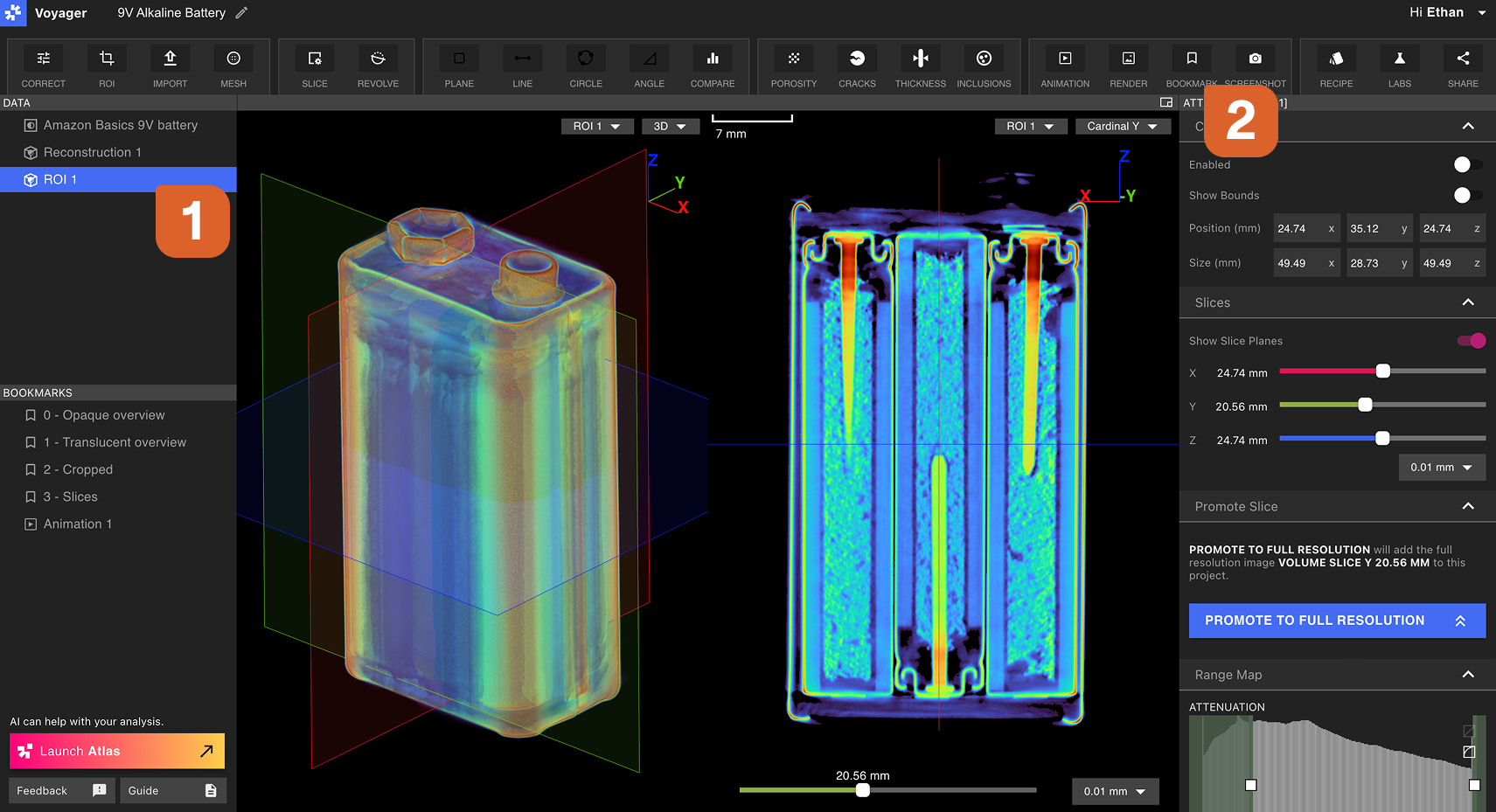
Modifying a Bookmark
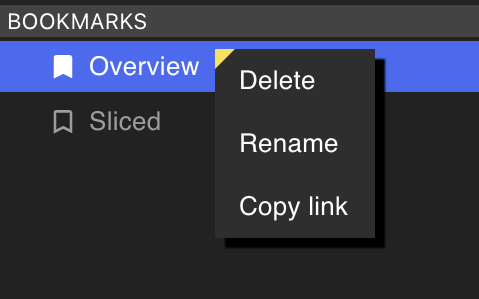
Right-select a Bookmark from the Bookmarks Panel to Rename, delete, or copy a link to a Bookmark. A collaborator must have Project access to view a shared Bookmark link.