建立自行客製化的平面圖
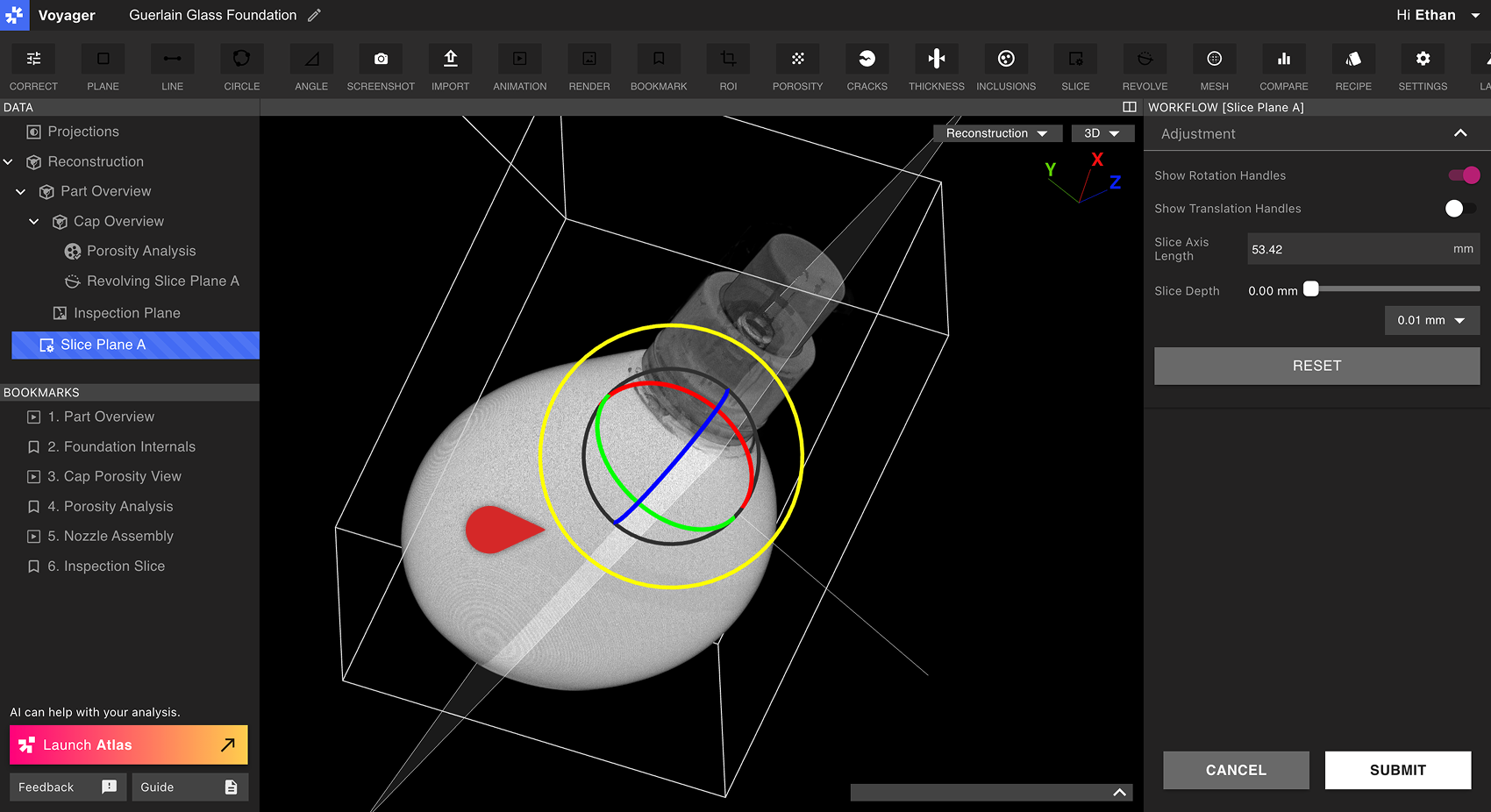
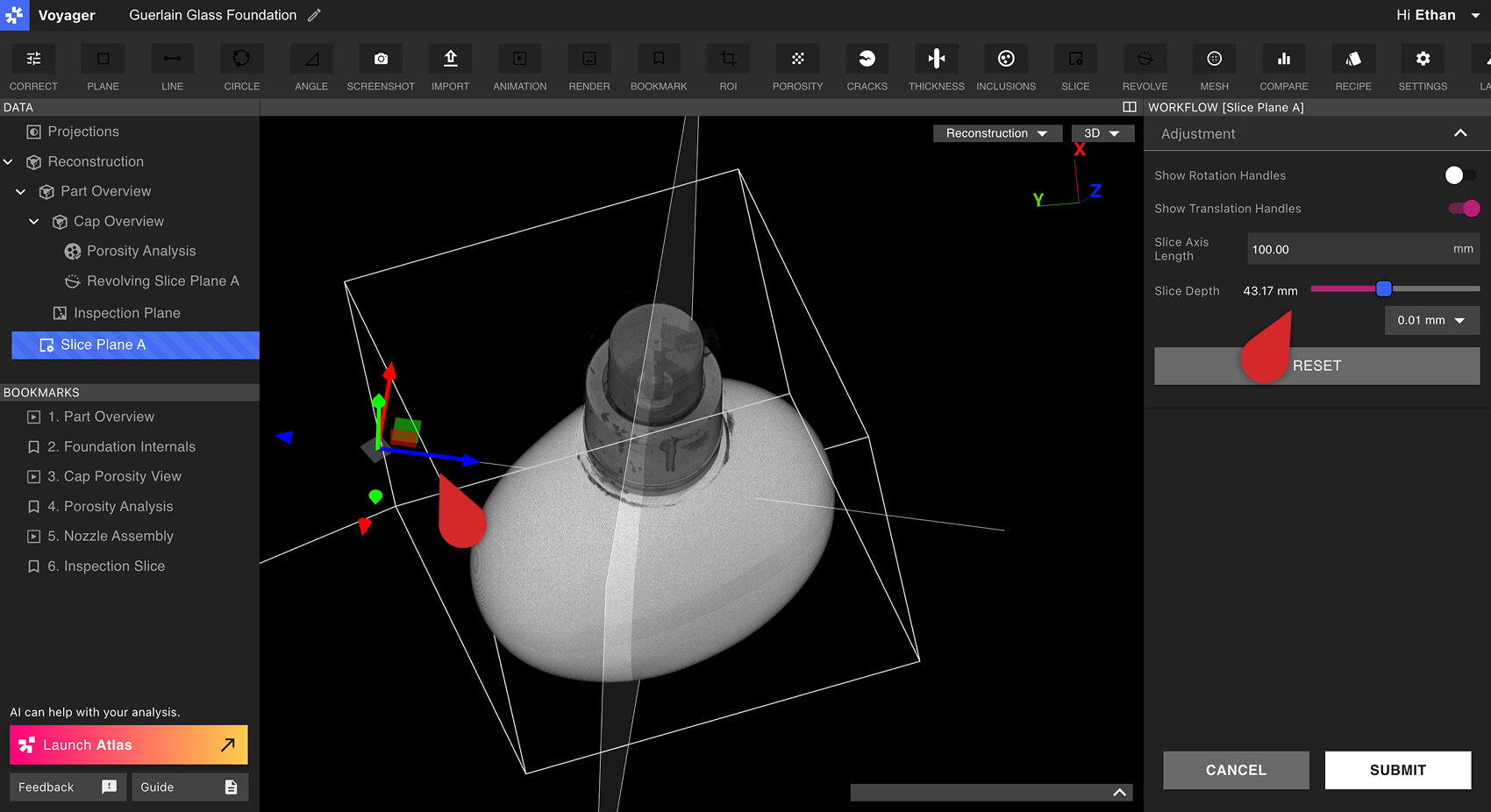
首先,選擇一個重建或 ROI 作為自訂切片平面圖的父資料物件。接下來,從工具列中選擇切片工具。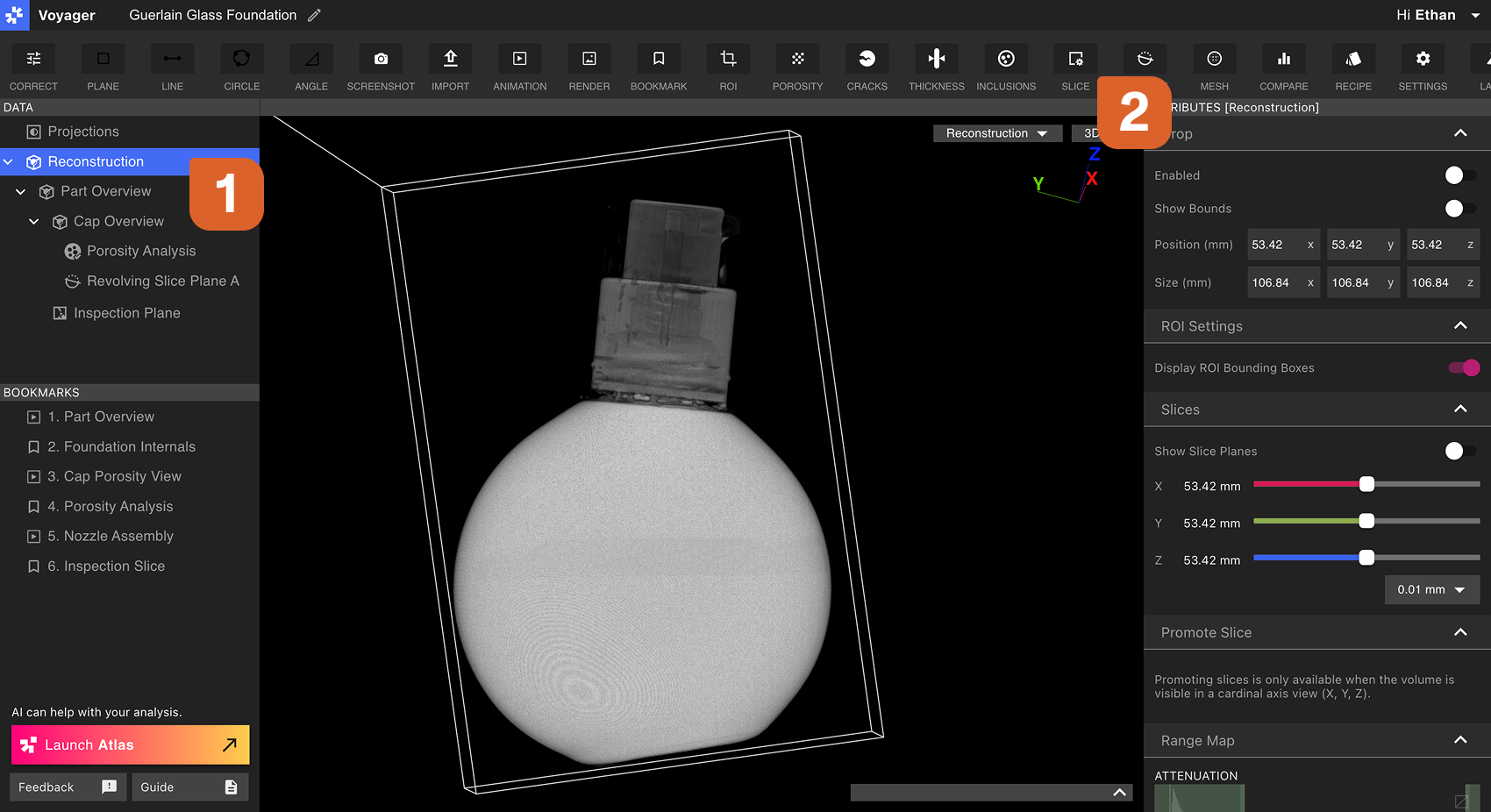 使用工作流程編輯器中的旋轉手柄和平移手柄來定向自訂預設平面並將其移動到所需位置。選擇軸的長度,然後使用切片深度滑桿擦過自訂預設平面。
 選擇提交以建立自訂切片平面圖。新的自訂切片資料物件將立即顯示在資料面板中。
查看自訂圖紙
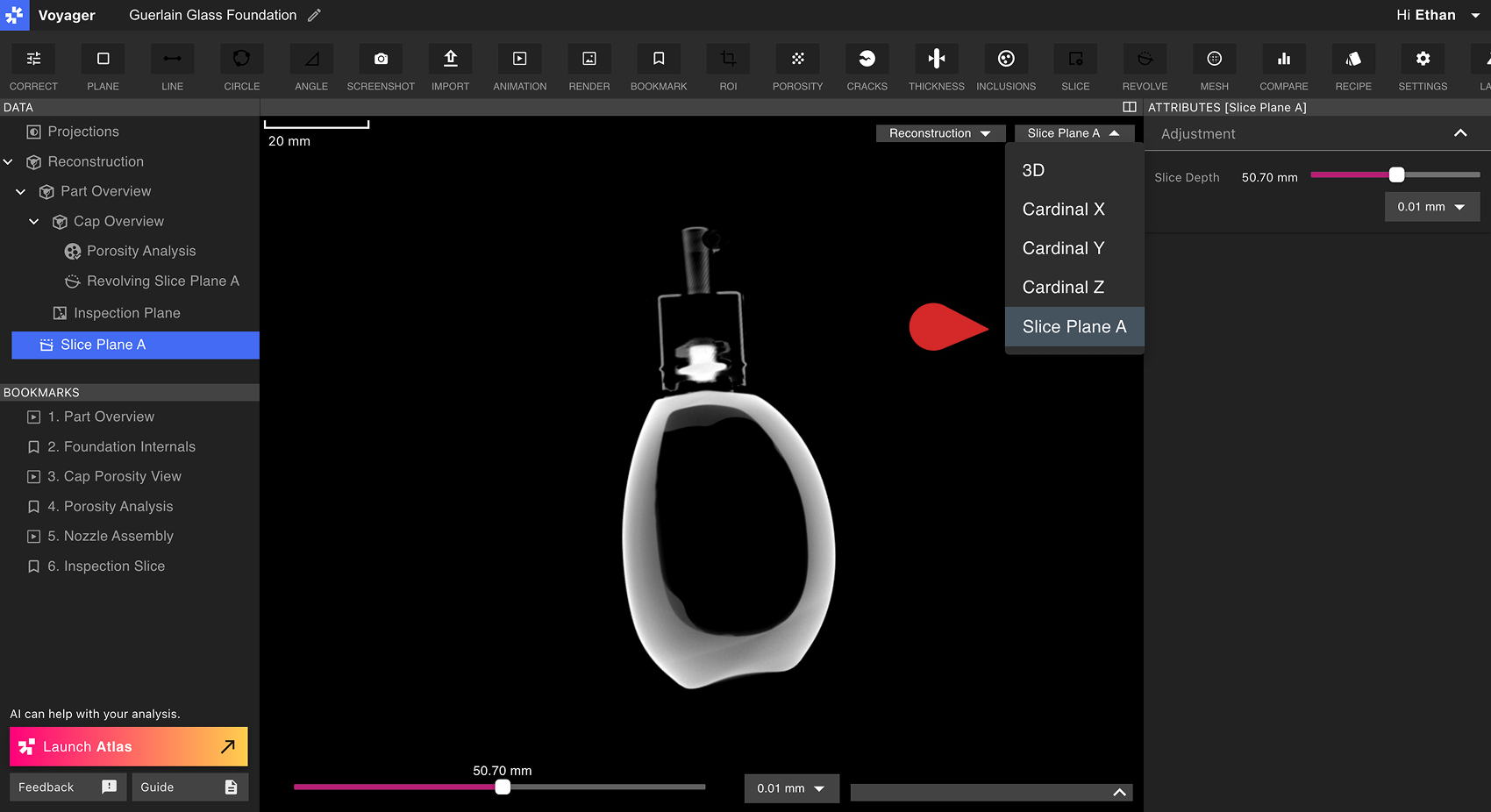
自編輯切片平面的行為模仿重建或ROI的基本X、Y或Z平面。選擇自編輯切片平面將其帶入Viewport,切片深度滑桿會出現在 Viewport 以及底部屬性面板中。 從資料面板開啟自訂切片平面,或使用屬性面板中自訂平面滑桿旁的 Go to 控制項。自訂切片平面不會列於 Viewport 標頭的 X、Y、Z 與 3D 按鈕中。