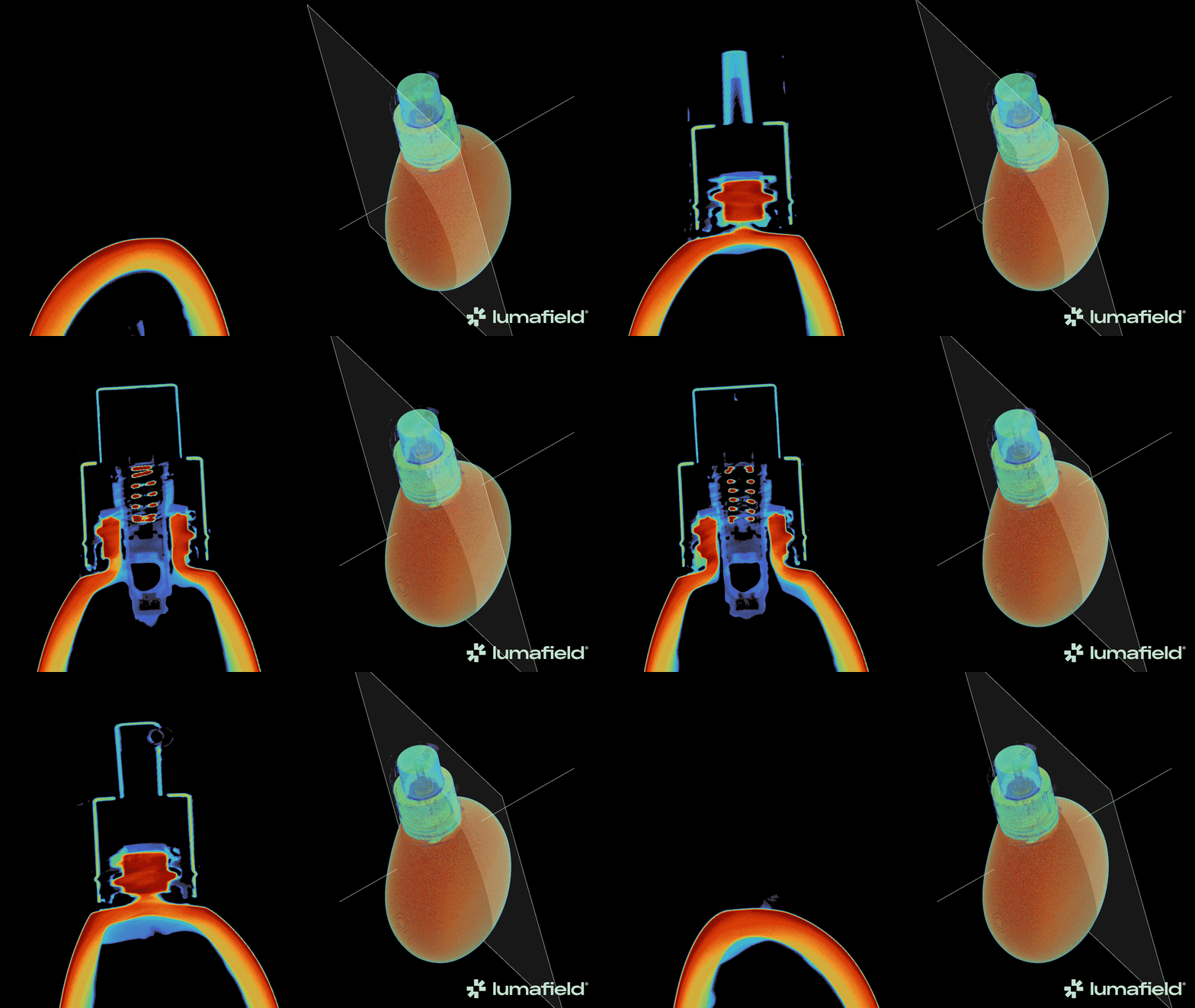
Custom Slice Plane の作成
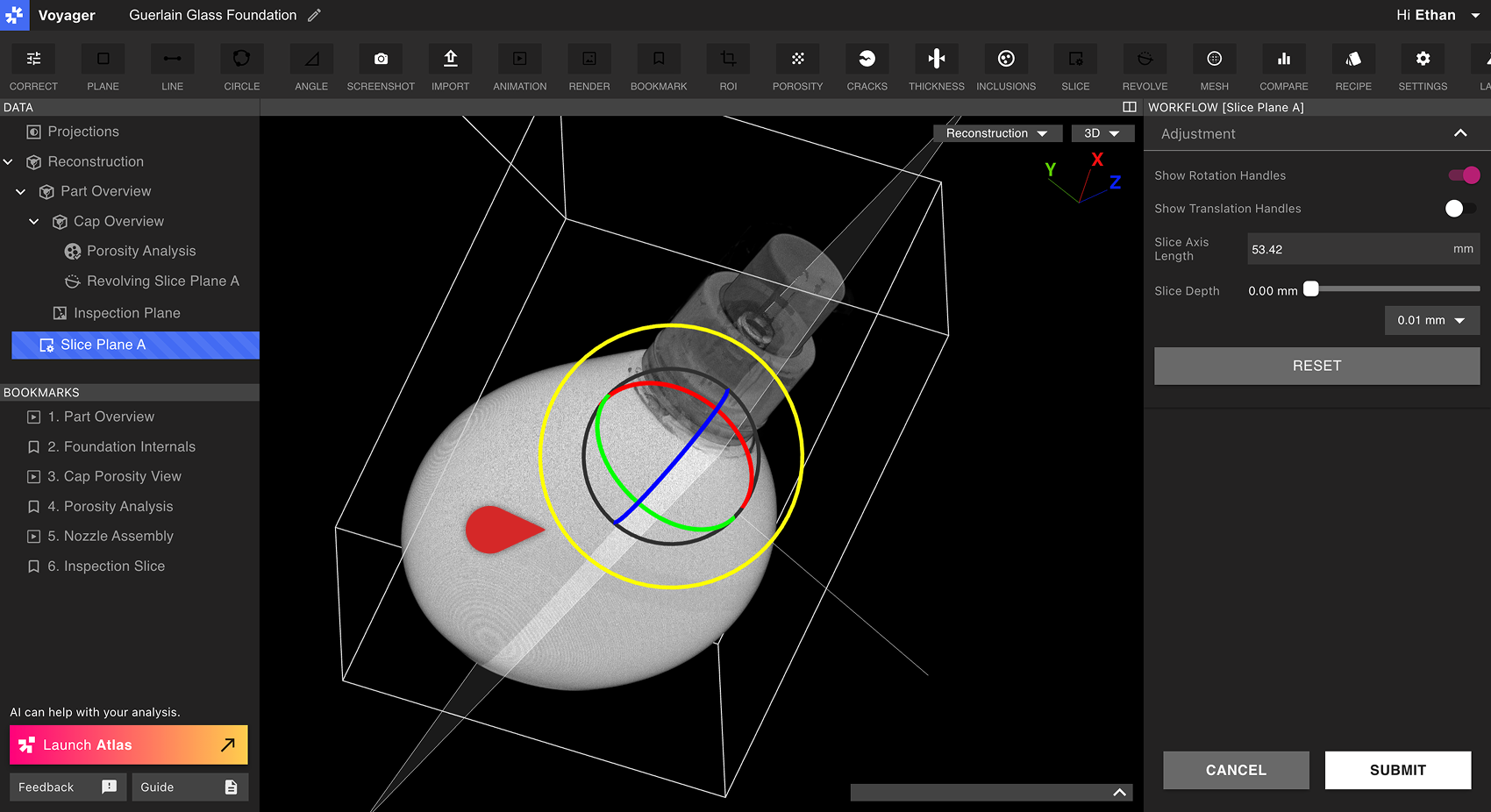
まず、Custom Slice Plane の親 Data Object となる Reconstruction または ROI を選択します。次に、Toolbar から Slice Tool を選択します。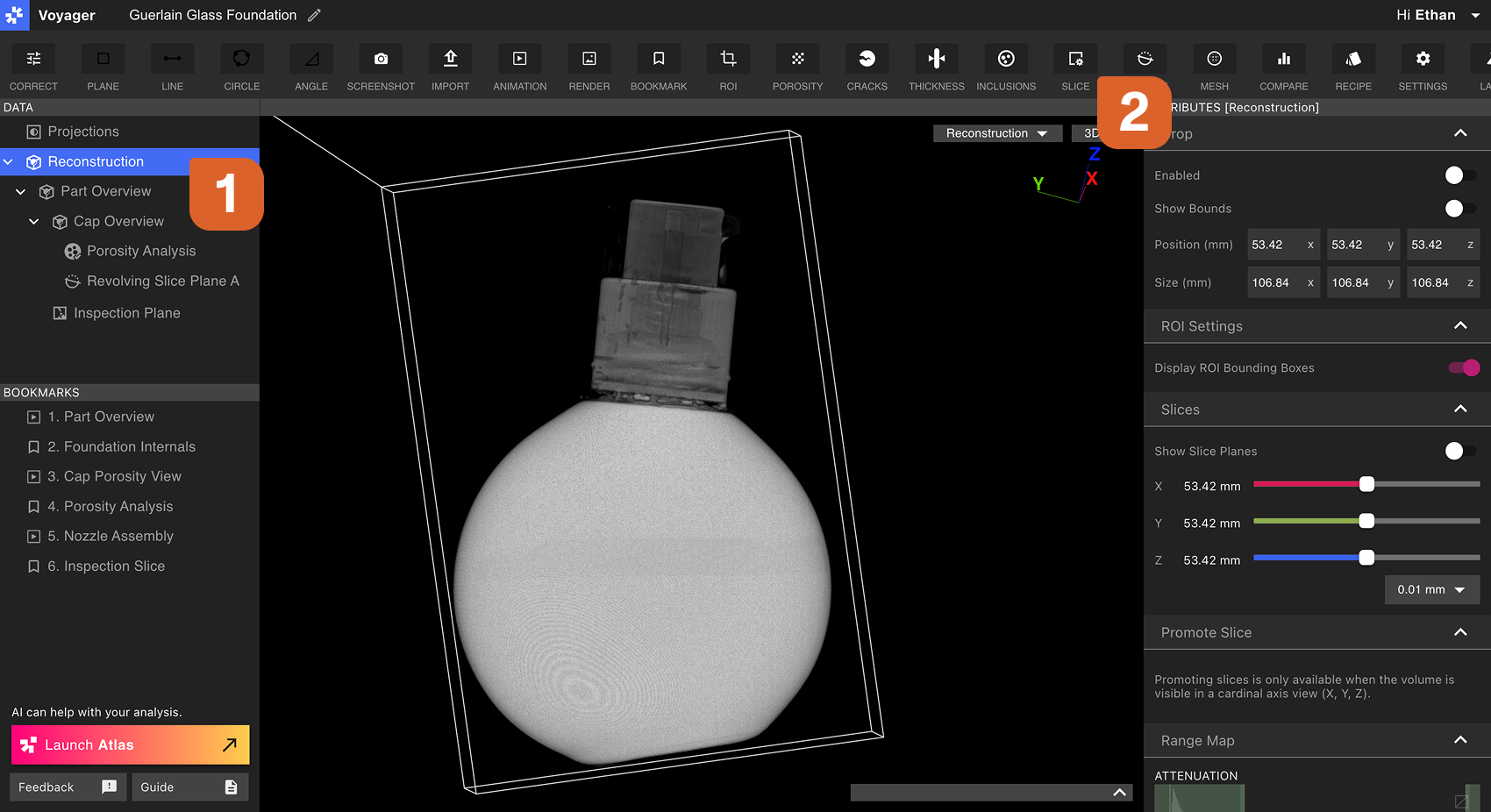 Workflow Editor の Rotation Handles と Translation Handles を使って、Custom Slice Plane の向きと位置を調整します。Axis の長さを選択し、Slice Depth Slider で Custom Slice Plane をスクラブします。
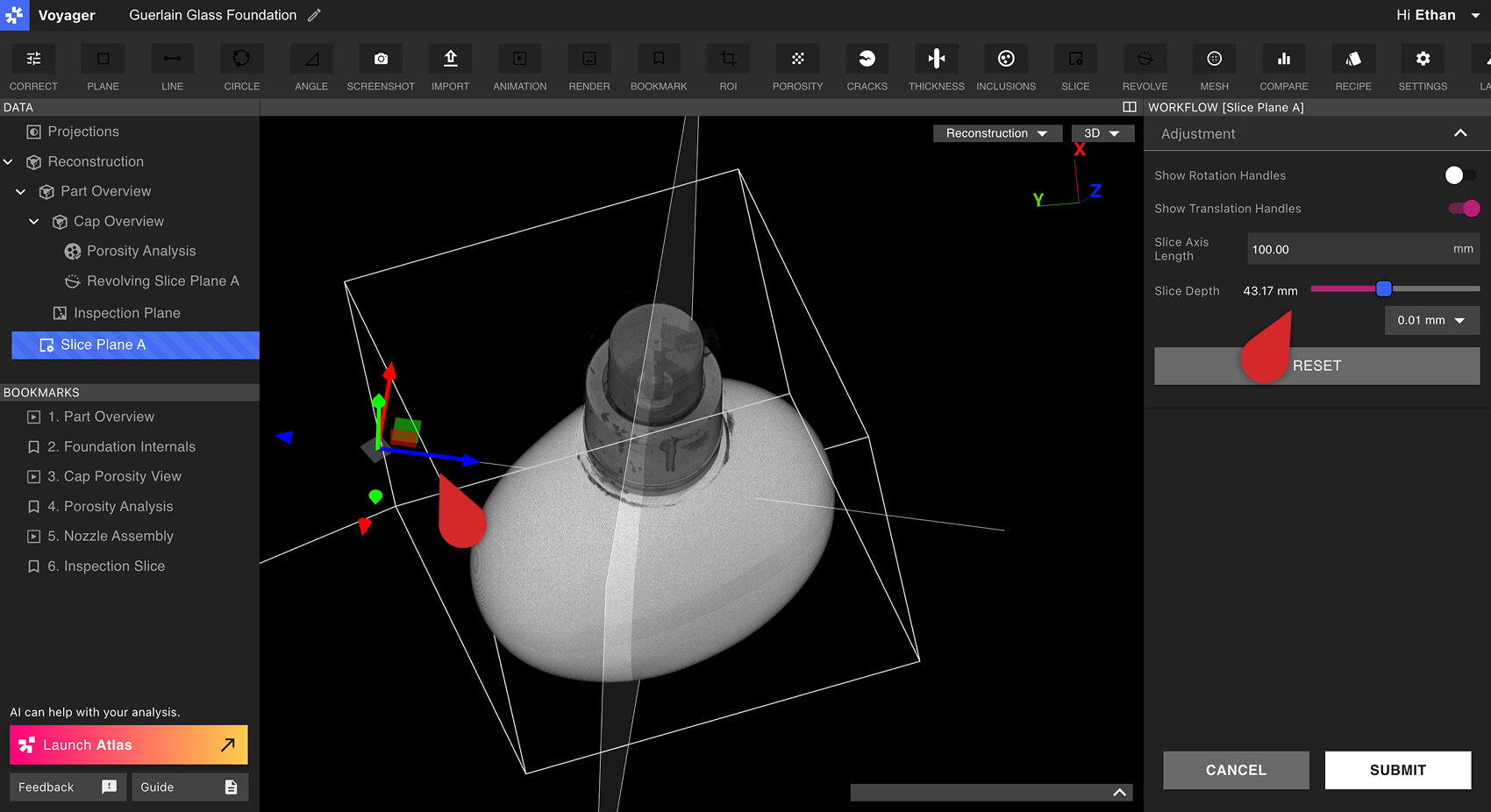 Submit を選択すると Custom Slice Plane が作成されます。新しい Custom Slice Plane Data Object が Data Panel にすぐ表示されます。
Custom Slice Plane の表示
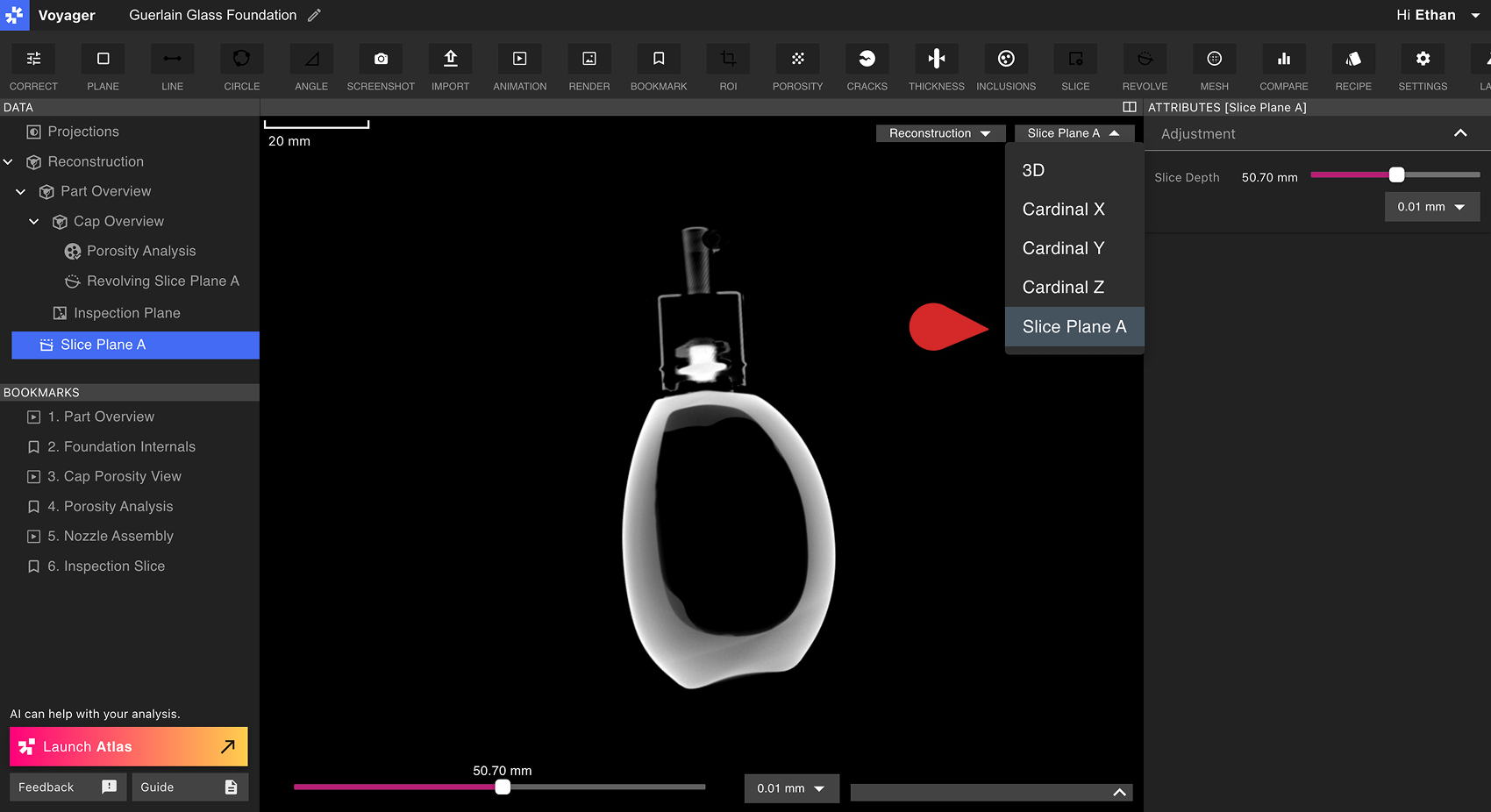
Custom Slice Plane は、Reconstruction または ROI のカーディナル X/Y/Z 平面と同様に動作します。Custom Slice Plane を選択するとViewportに表示され、Slice Depth スライダーがViewport下部と Attributes Panel の両方に表示されます。 Custom Slice Plane は Data Panel から開くか、Attributes Panel のカスタム平面スライダー横にある Go to コントロールを使用します。Custom Slice Plane は、Viewport ヘッダーの X、Y、Z、3D ボタンには表示されません。